



4rabet app login – how to sign in through the mobile casino application
4rabet app login – how to sign in through the mobile casino application
Содержимое
Open the 4rabet app and 4rabet download tap “Login” at the bottom corner. The screen will ask for your 4ra bet email or phone number and password. After typing the data, swipe the button and you’ll be taken directly to your 4rabet online dashboard.
If you prefer the desktop route, visit the 4rabet official website and select the mobile view. Within a few taps, the 4 rabet app login page will load, mirroring the mobile interface. Don’t forget to switch to the “Mobile” tab so you see the same fields the app uses.
Your credentials must match what you registered with the 4rbet platform. Check the capitalization and enter at least one special character, as the 4 bet standard requires. After signing in, enable the push‑notification toggle to receive instant updates on bonus offers and live events.
Should you forget your password, hit the “Forgot password?” link. A reset email will appear in minutes, guiding you through the next steps. Keep the 4 ra bet support code handy; the chat bot can auto‑answer common questions within seconds.
4rabet App Login: How to Sign In Through the Mobile Casino Application
Open the 4rabet app on your phone. Tap the “Login” link located at the bottom of the screen. Enter the phone number or email linked with your 4ra bet account and press continue.
Choose a verification method: receive an OTP via SMS, enter a saved password, or enable two‑factor authentication. After placing the code in the required field, double‑check that it matches your account credentials. Then press “Sign In” to complete the 4rabet app login step.
Keep your device’s operating system updated; an outdated OS can disturb the OTP timing. Verify that the app has permission to receive SMS, otherwise the verification message may not appear. If a password is chosen, select a combination of letters, numbers, and symbols to reinforce the security of the 4rabet login. Turn on push notifications so you are informed of any account activity in real time. Disable any VPN or proxy that might alter your IP, as 4rbet sometimes flags unfamiliar locations. Store the password in a secured vault if you move between devices frequently.
If the login screen stalls or shows an error, close the app completely and reopen it. Check the 4rabet online section for maintenance announcements; downtime often lines up with server updates. Reach out to support by selecting “Help” inside the app or visiting the 4rabet official website for live chat. If your 4 bet credentials aren’t recognized, double‑check the number and carrier while following the other steps.
Download and Install the Official 4rabet Mobile App
First, head to the 4rabet official website and tap the “Download App” button that matches your iOS or Android device. The QR code on the site links directly to the latest build, so you get the most current security patch. Save the installer, then open it and follow the on‑screen prompts to authorize storage and continue with the setup.
Installing and Configuring on Your Device
After installation, open the app and sign in with your 4rabet login credentials. The dashboard loads instantly, showing your 4ra bet balance, ongoing promotions, and the live sports lineup. Explore the settings to enable two‑factor authentication, securing your 4 ra bet profile for every session.
Once logged in, you can browse 4rabet online features, place live bets, and manage deposits–all through the streamlined 4rabet app login interface. This method guarantees a smooth, secure experience whenever you’re on the move.
-
Overall Score
Reader Rating: 0 Votes

You May Also Like


TangoBet Login and Fast Account Registration Step by Step: for New and Regular Players (at a Glance)
Accessories, Dresses, Uncategorized, Wedding
Engagement Ring Personalities: What the Cut of Your Ring Says About You!
Dresses, General Planning, History & Tradition, Wedding
Trivia & Traditions: 35 Fun Facts about Weddings

Food, General Planning, Skin & Makeup, Uncategorized, Venues, Wedding
7 Wedding Day Disasters Best Survival Guide

Dresses, General Planning, Theme & Decor, Venues, Wedding
Day-of Coordinator or Wedding Planner: How to Choose?
Food, General Planning, Theme & Decor, Uncategorized, Venues, Wedding
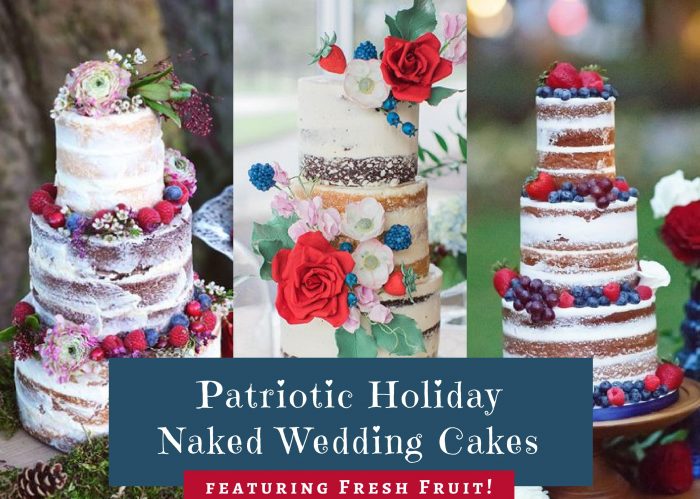
Patriotic Holiday Naked Wedding Cakes



Accessories, Dresses, General Planning, Skin & Makeup, Theme & Decor, Wedding
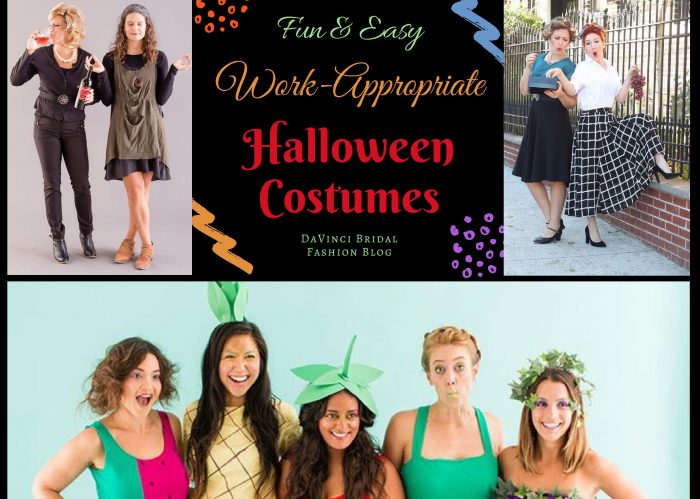
Fun & Easy Work-Appropriate Halloween Costume Ideas
Dresses, General Planning, Theme & Decor, Venues, Wedding
8 Ways to Celebrate Your Original Wedding Date
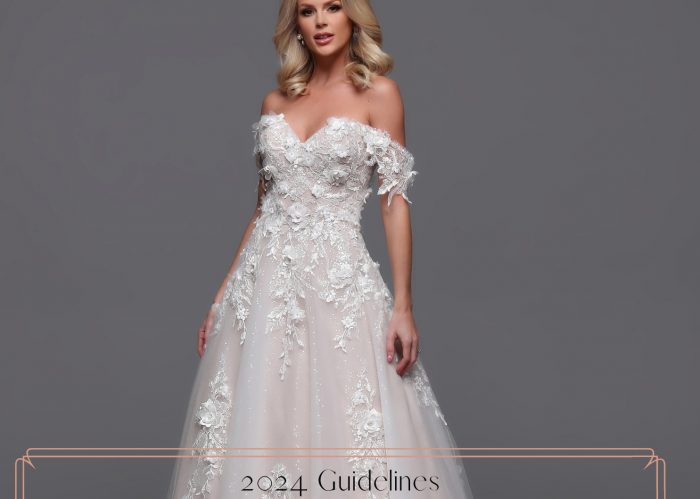
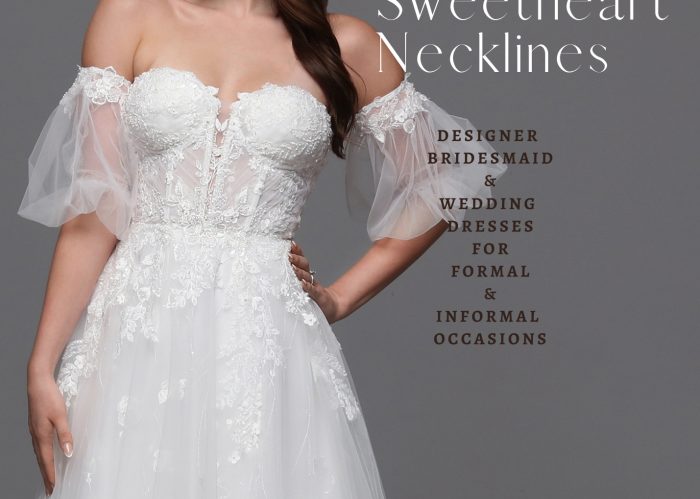
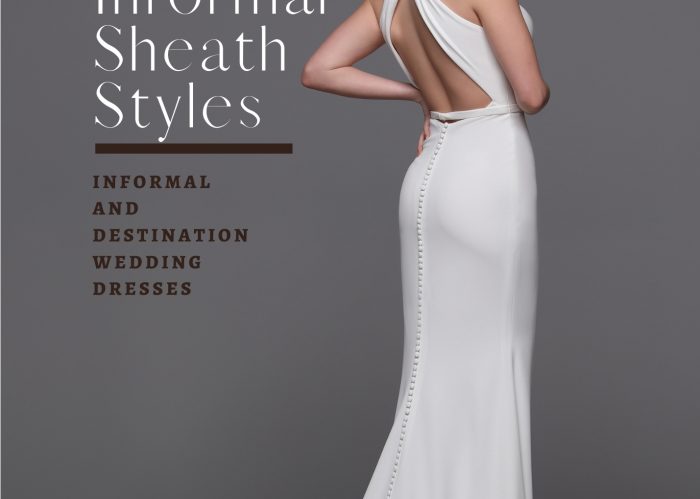
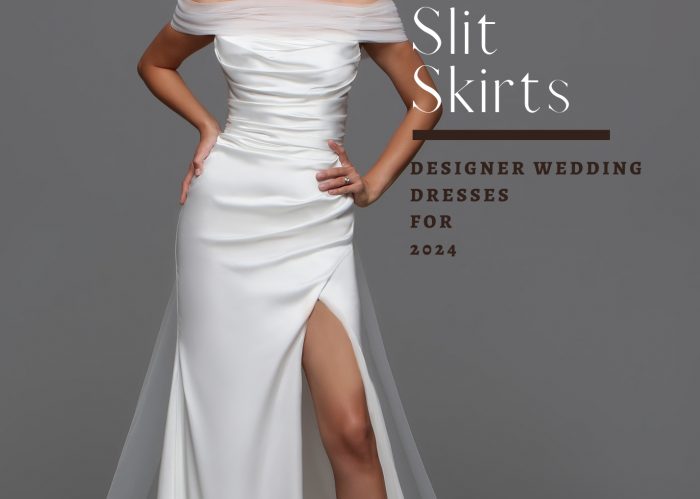


Dresses, General Planning, Photography, Theme & Decor, Video, Wedding
Top 5 Confidence-Building Engagement Shoot Hacks

Dresses, General Planning, Theme & Decor, Wedding
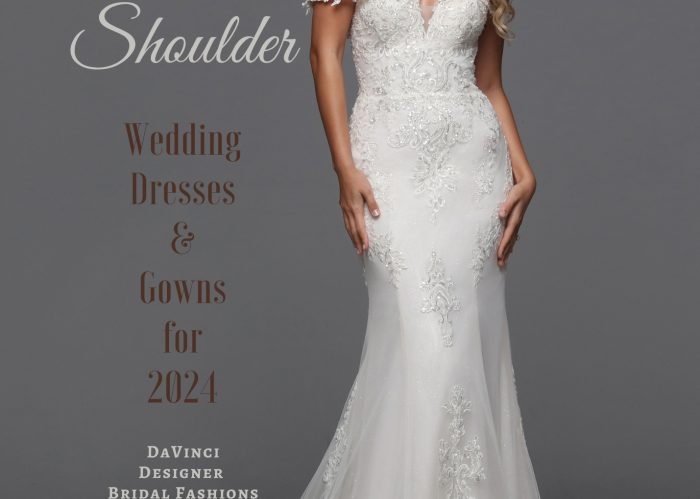
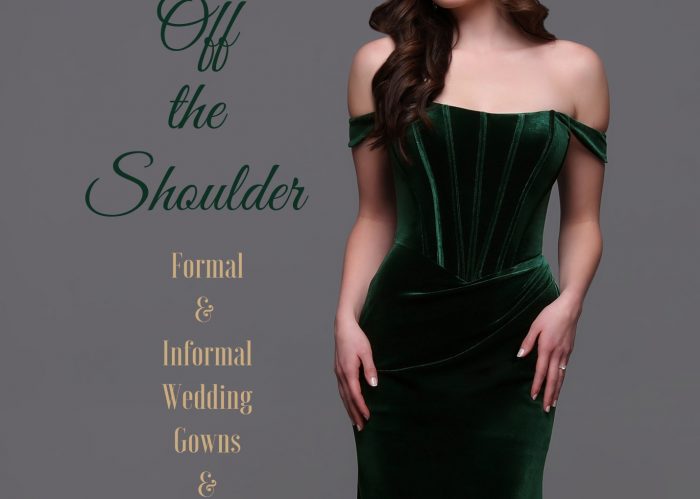
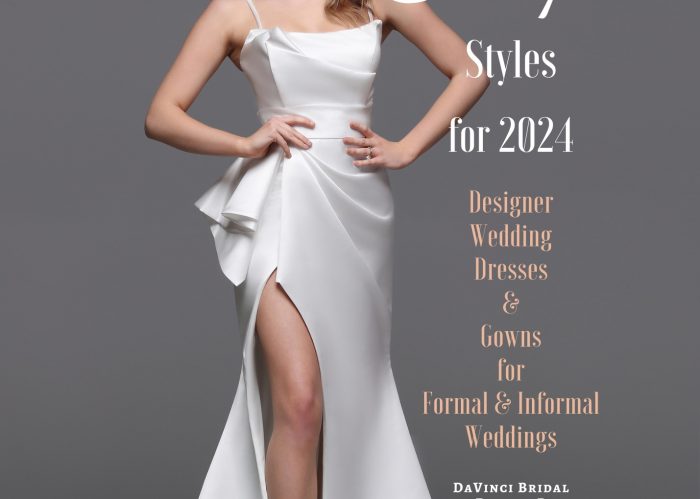
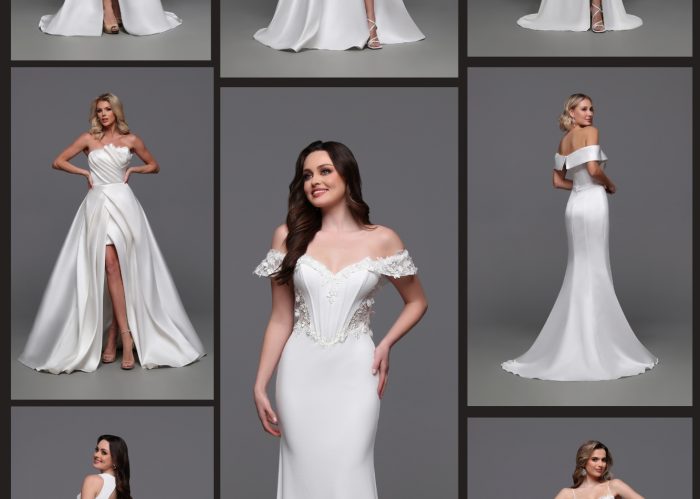
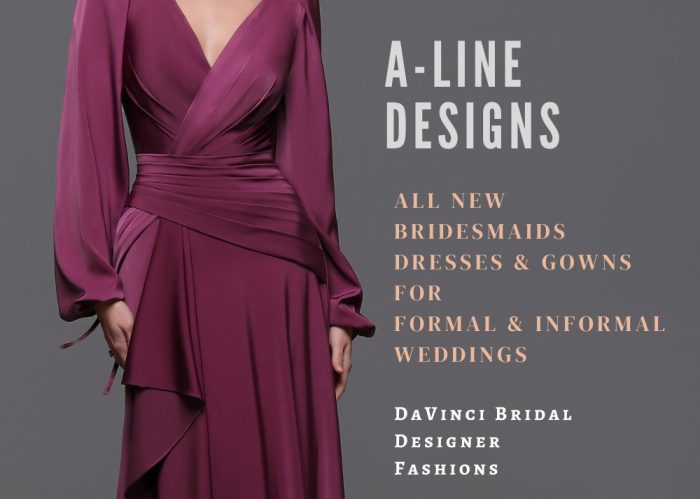
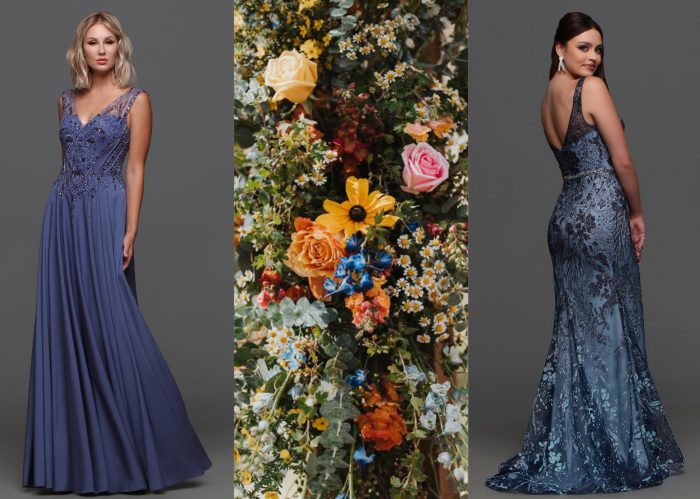
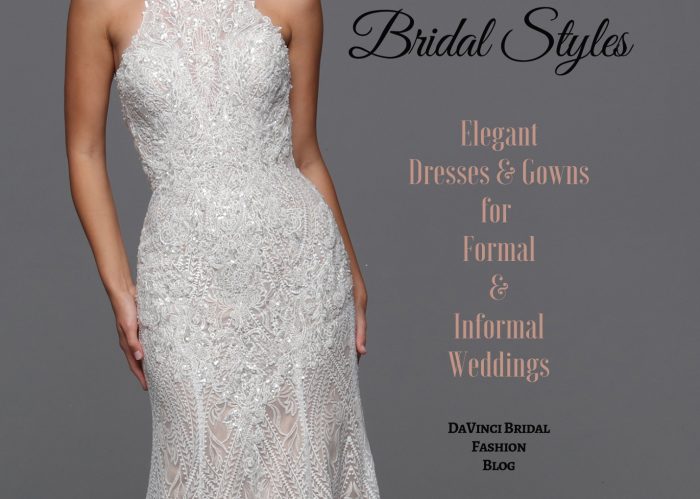
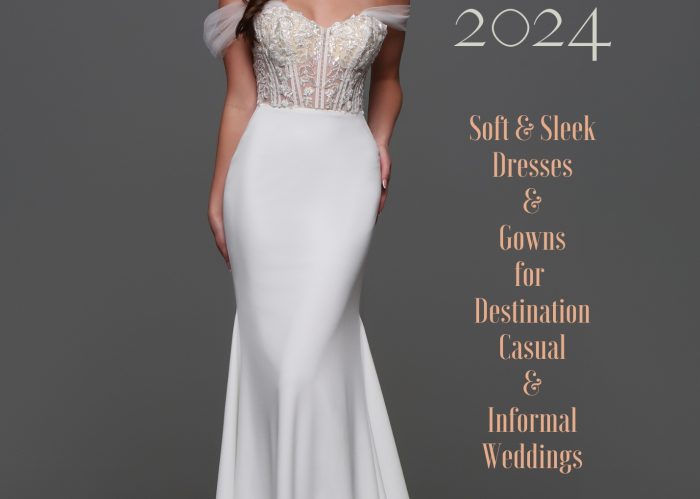
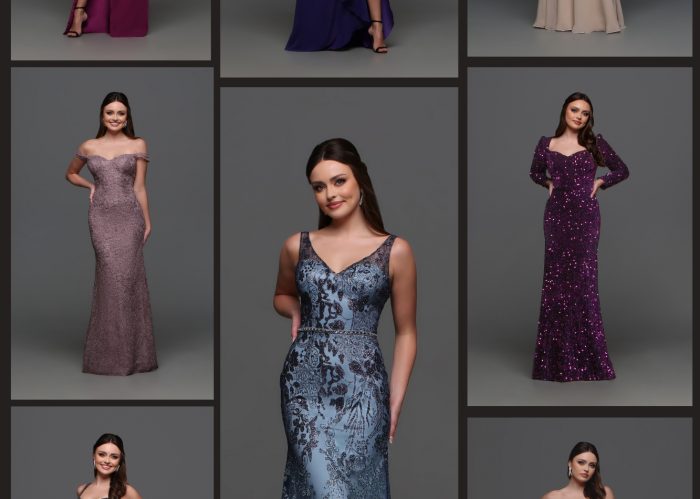
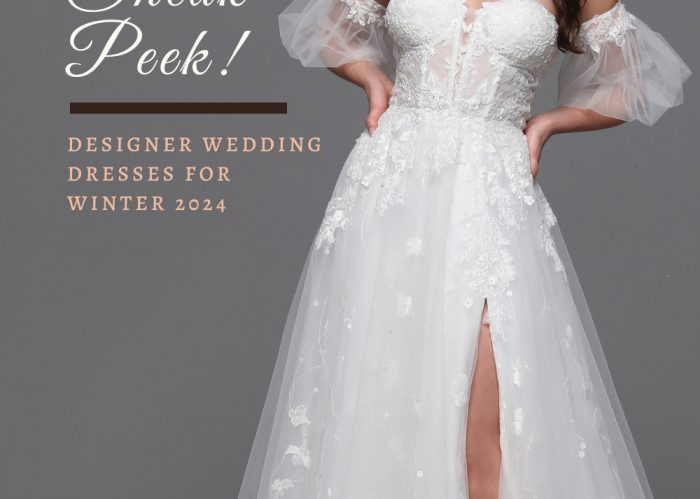
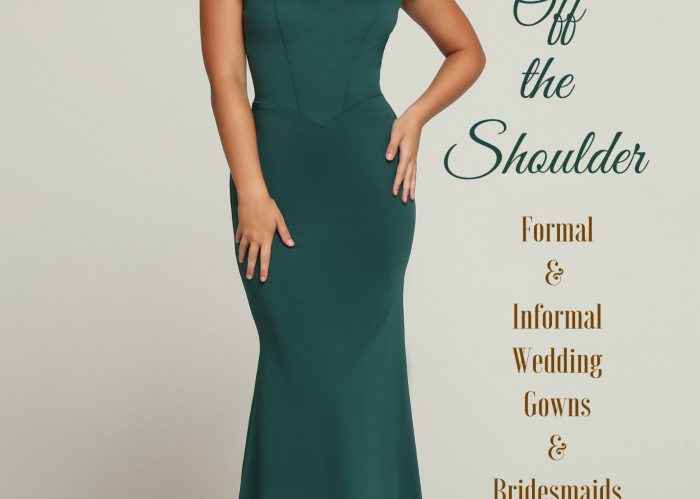
Informal by DaVinci Wedding Dresses 2024 Sneak Peek
Dresses, Entertainment (celebs, music, movies), Health & Fitness, Relationships, Uncategorized, Wedding
20 Date Night Ideas for Newlyweds

Accessories, Dresses, Hair, Nails, Shoes, Theme & Decor, Wedding
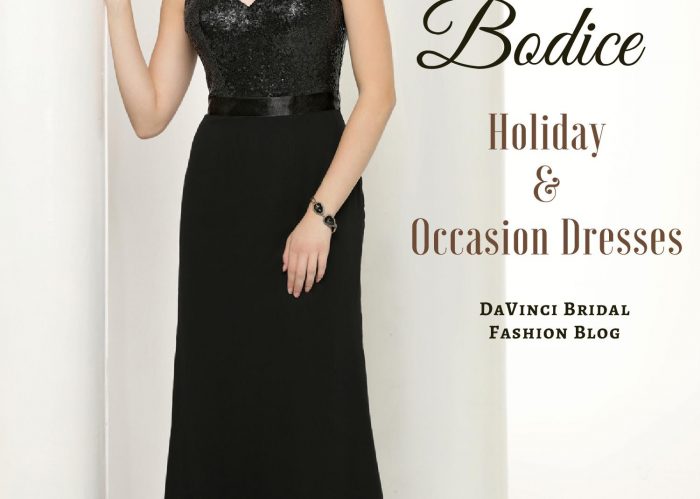
Holiday Fashion Guide: How to Style a Sequin Dress
Accessories, Dresses, General Planning, Theme & Decor, Venues, Wedding
Top 6 Classic Wedding Dress Trends

Dresses, General Planning, Relationships, Theme & Decor
10 Romantic Ways to Surprise Your Husband on Your Wedding Night
Accessories, Dresses, General Planning, Theme & Decor, Wedding
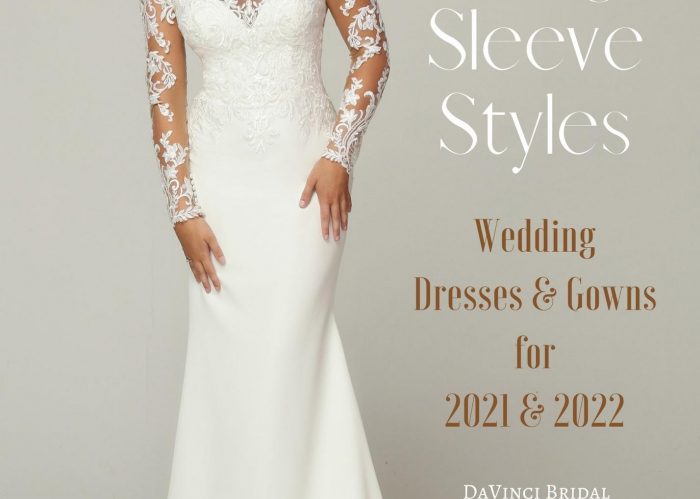
Long Sleeve Bridal Dresses & Wedding Gowns – DaVinci Bridal

Accessories, Dresses, Food, Giving Back, History & Tradition, Relationships, Theme & Decor, Wedding
5-Step Last-Minute Halloween Party Guide
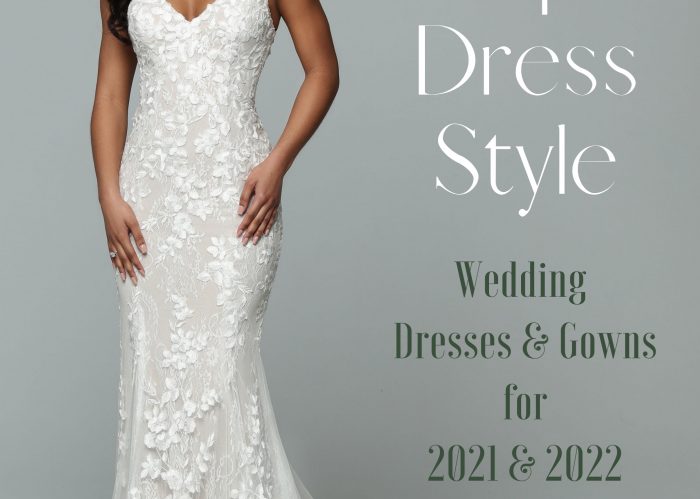
Accessories, Dresses, General Planning, Theme & Decor, Wedding
Best Slip Wedding Dresses for 2021 & 2022
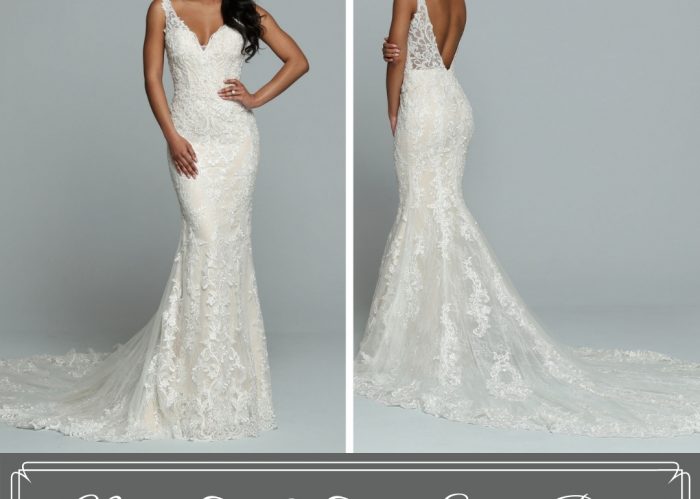
Dresses, General Planning, Theme & Decor, Wedding
All New! 2021 Fit & Flare Wedding Dresses Sneak Peek – DaVinci Bridal
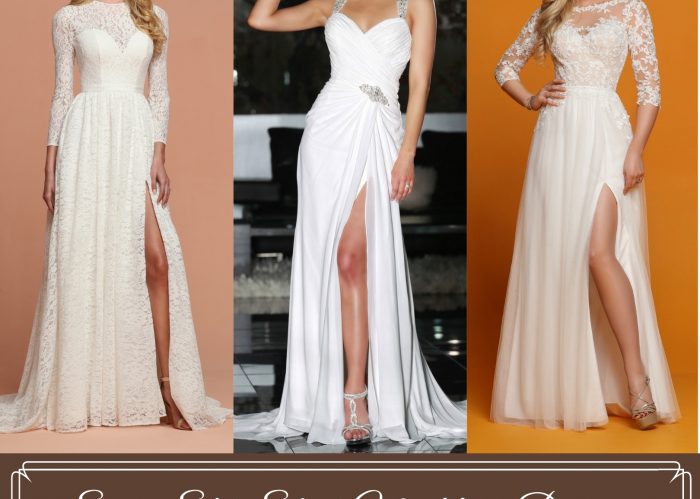
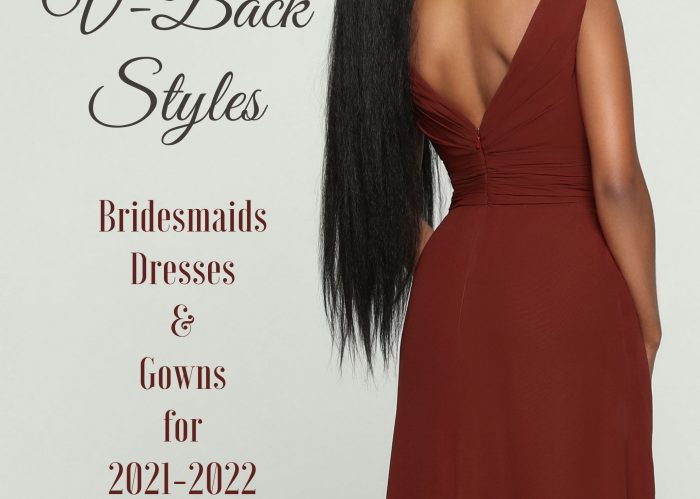

Food, General Planning, Relationships, Theme & Decor, Wedding
Bridal Shower Towel Cakes: 12 Adorable Ideas
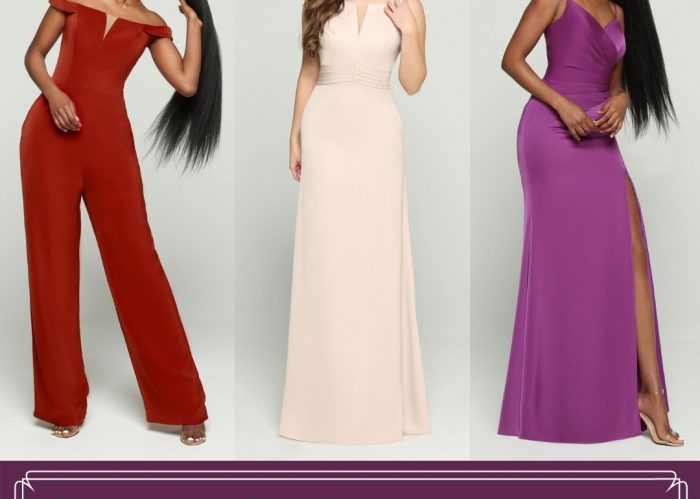
Dresses, General Planning, Theme & Decor, Wedding
Soft Satin Bridesmaids Dresses 2021 Sneak Peek – DaVinci Bridal
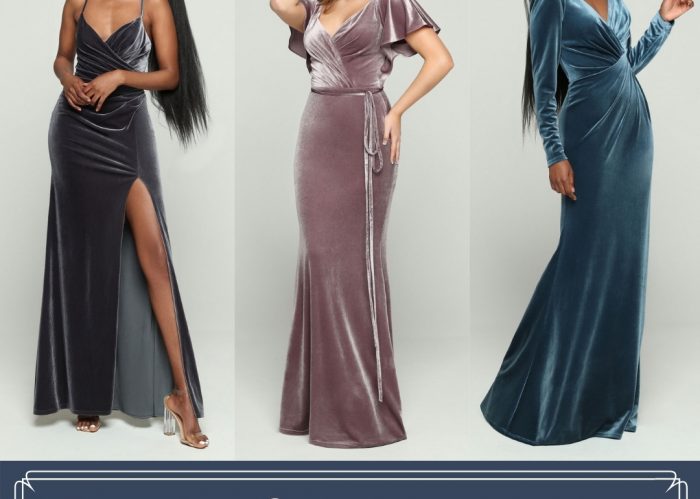
Dresses, General Planning, Theme & Decor, Wedding
Velvet Bridesmaids Dresses 2021 Sneak Peek – DaVinci Bridal
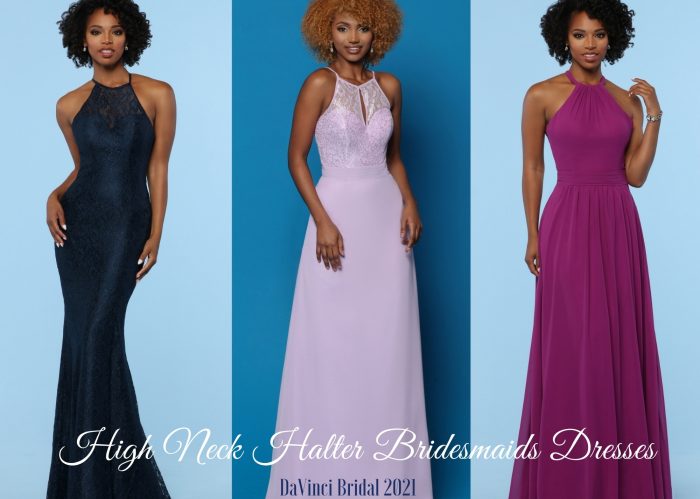
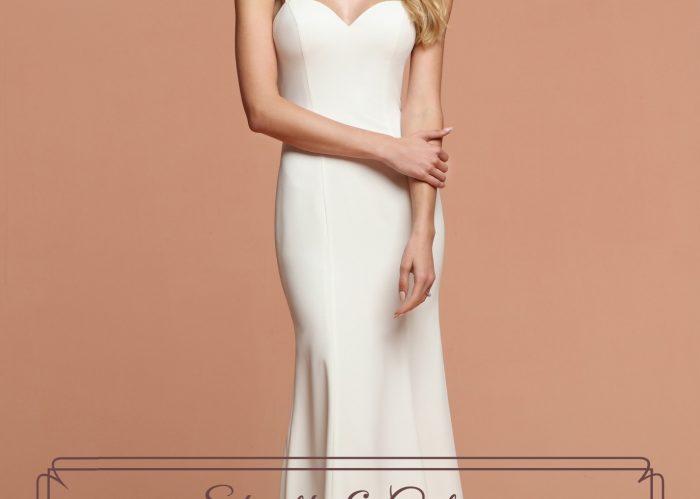
Accessories, Dresses, General Planning, Theme & Decor, Venues, Wedding
Informal & Destination Sheath & Column Wedding Dresses for 2021 – DaVinci Bridal
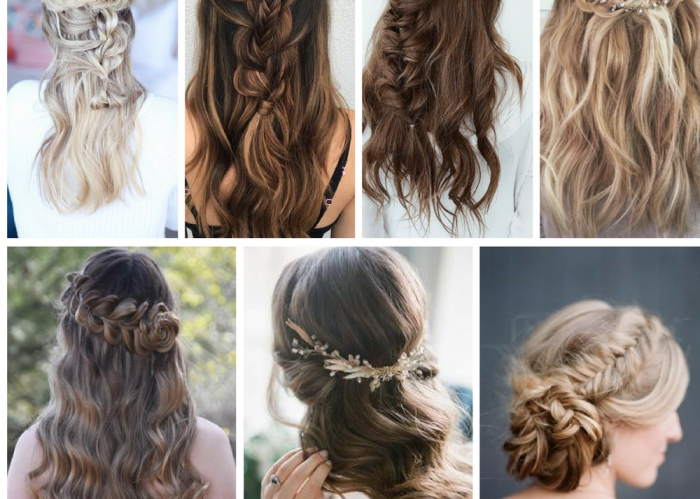
Dresses, General Planning, Hair, Theme & Decor, Wedding
80+ Bridal-Inspired DIY Hairstyles for Your Wedding Party
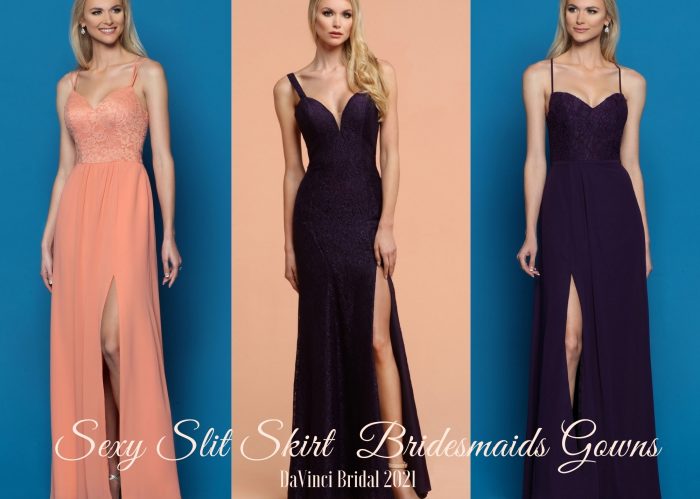
Accessories, Dresses, General Planning, Theme & Decor, Wedding
Sexy Slit Skirt Bridemaids Dresses for 2021 – DaVinci Bridal
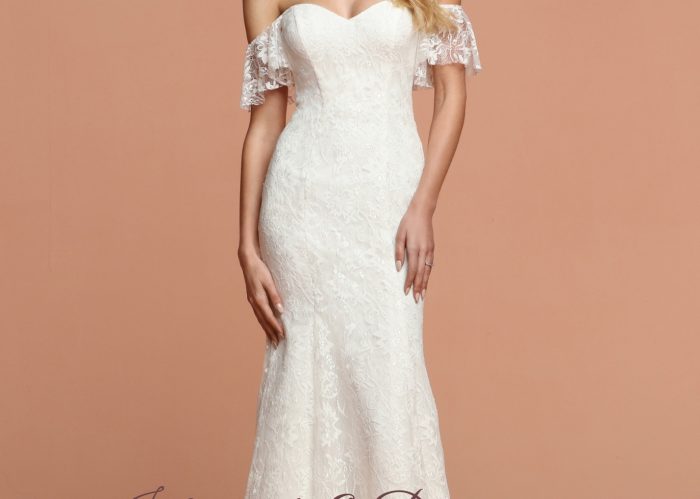
Accessories, Dresses, General Planning, Theme & Decor, Venues, Wedding
Informal & Destination Fit & Flare Wedding Dresses for 2021 – DaVinci Bridal
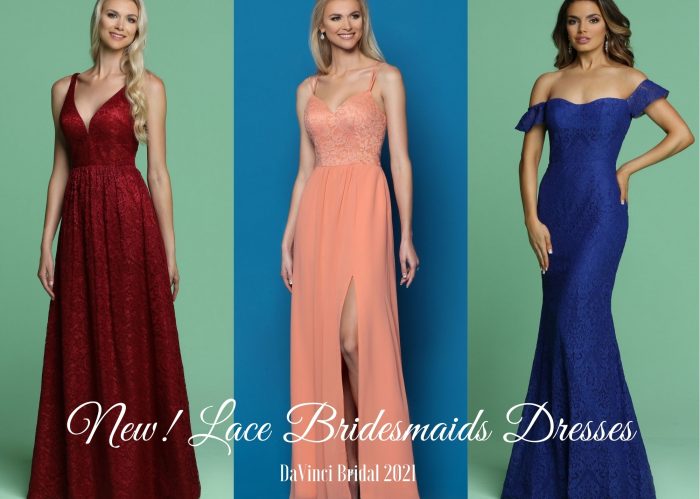
Dresses, General Planning, Theme & Decor, Wedding
Sequin Bridesmaids Dresses for 2021 – DaVinci Bridal
Accessories, Dresses, General Planning, Theme & Decor, Venues, Wedding
Informal & Destination A-Line Wedding Dresses for 2020 – DaVinci Bridal
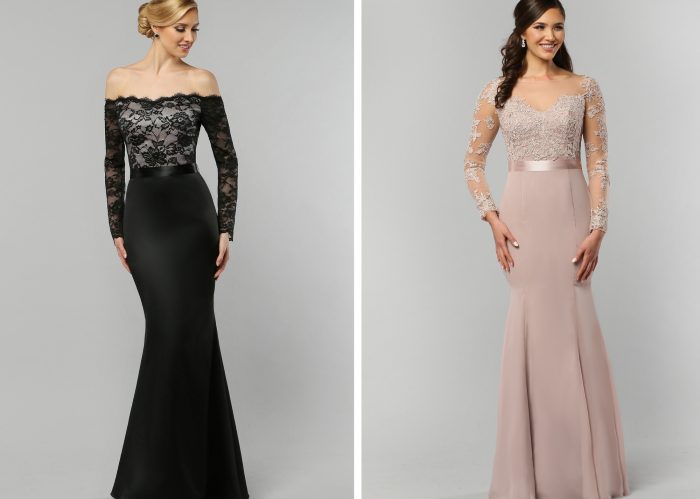
Dresses, General Planning, Theme & Decor, Wedding
Bridesmaids Dresses with Sleeves Fall & Winter 2020 – DaVinci Bridal
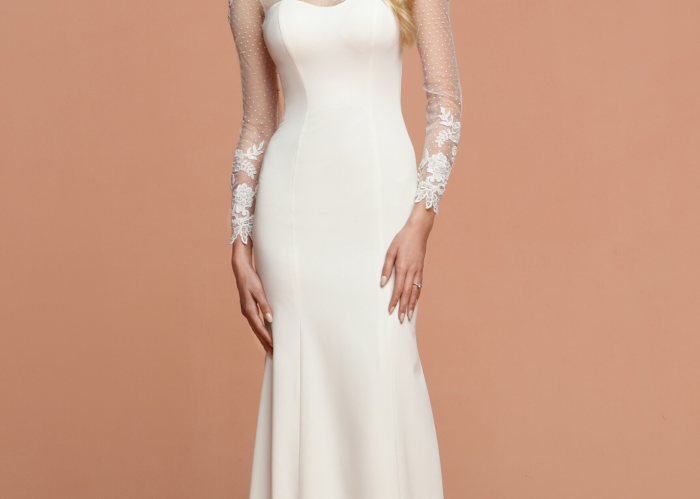
Accessories, Dresses, General Planning, Theme & Decor, Venues, Wedding
Destination & Beach Wedding Dresses 2020 Long Sleeves – DaVinci Bridal
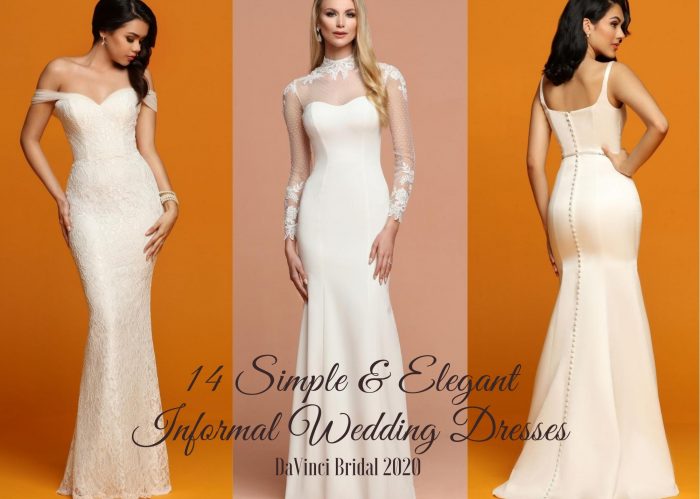
Accessories, Dresses, General Planning, Theme & Decor, Wedding
14 Simple & Elegant Informal Wedding Dresses – DaVinci Bridal Blog
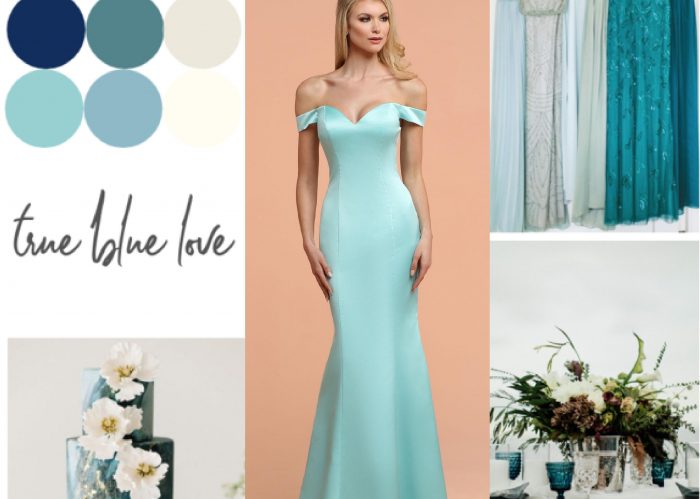
Dresses, General Planning, Theme & Decor, Wedding
2020 Bridesmaid Dresses Color Trends Blue – DaVinci Bridal
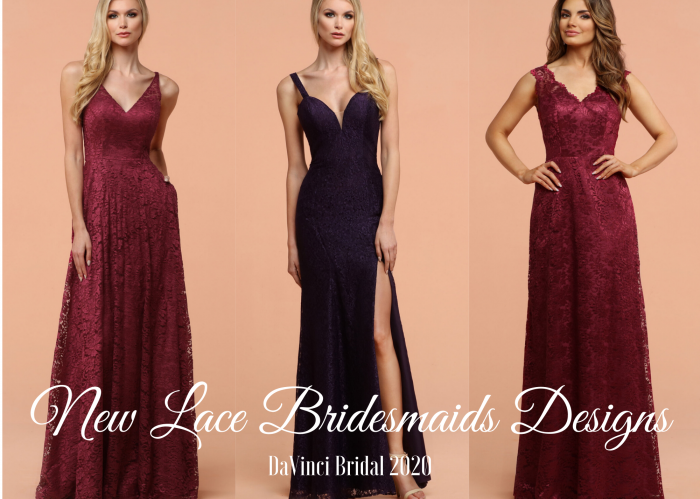
Dresses, General Planning, Theme & Decor, Wedding
Lace Bridesmaids Dresses for 2020 – DaVinci Bridal
Accessories, Dresses, General Planning, Theme & Decor, Wedding
Dress Hems: 20 Easy to Alter Formal Wedding Gowns – DaVinci Bridal Blog
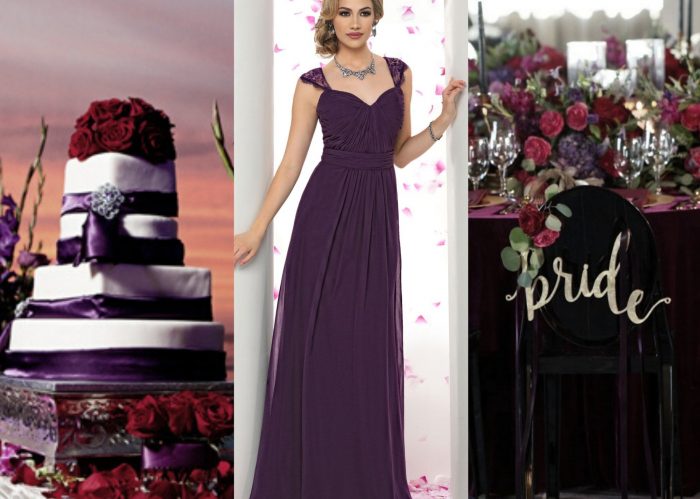
Accessories, Dresses, General Planning, Theme & Decor, Wedding
Jewel Tone Bridesmaids Dresses in Purple & Red – DaVinci Bridal
Accessories, Dresses, General Planning, Theme & Decor, Wedding
Dress Hems: 17 Easy to Alter Informal Wedding Gowns – DaVinci Bridal Blog
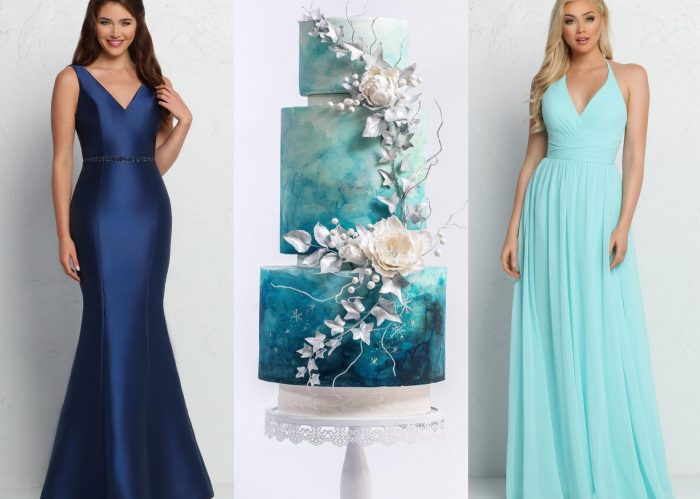
Accessories, Dresses, General Planning, Theme & Decor, Wedding
Jewel Tone Bridesmaids Dresses in Turquoise & Blue – DaVinci Bridal
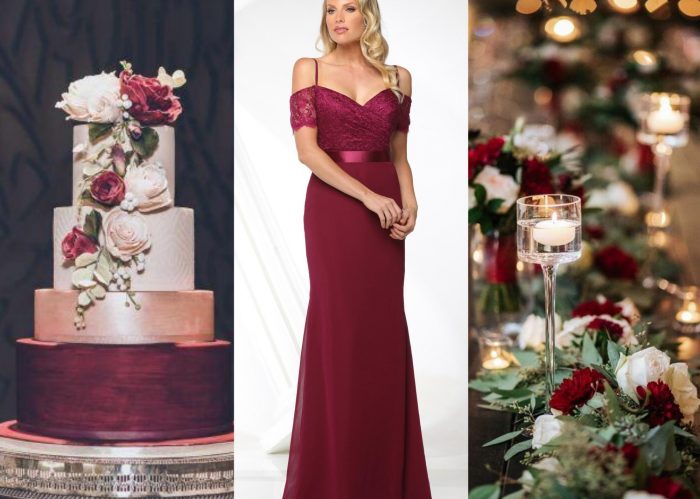
Dresses, General Planning, Theme & Decor, Wedding
Bridesmaid Dresses in Burgundy, Wine & Bright Plum 2020 – DaVinci Bridal Blog
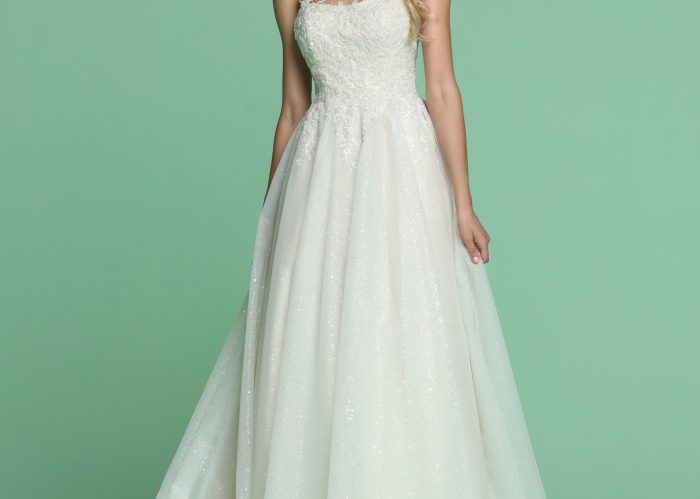
Accessories, Dresses, General Planning, Theme & Decor, Venues, Wedding
Light & Airy Wedding Dresses for 2020 – DaVinci Bridal
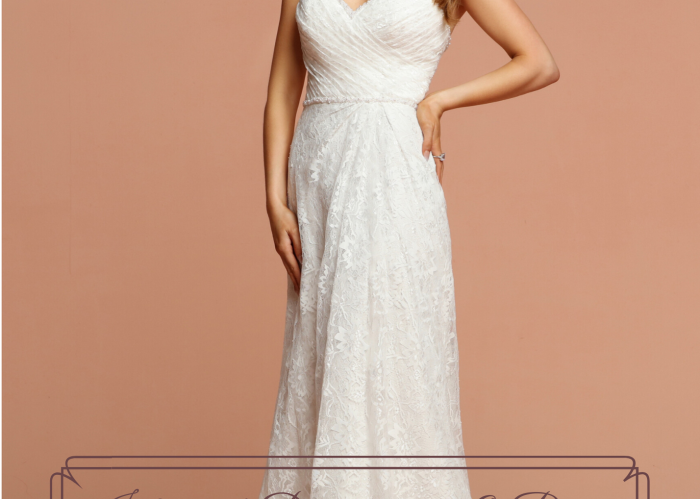
Accessories, Dresses, General Planning, Theme & Decor, Venues, Wedding
Destination & Beach Wedding Dresses 2020 Strapless Styles – DaVinci Bridal
Accessories, Dresses, General Planning, Theme & Decor, Wedding
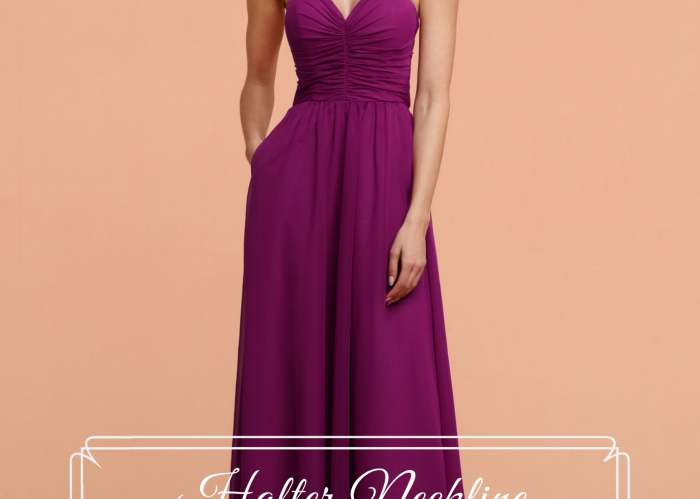
Halter Neckline Bridesmaids Dresses for 2020 – DaVinci Bridal
Dresses, General Planning, Theme & Decor, Venues, Wedding
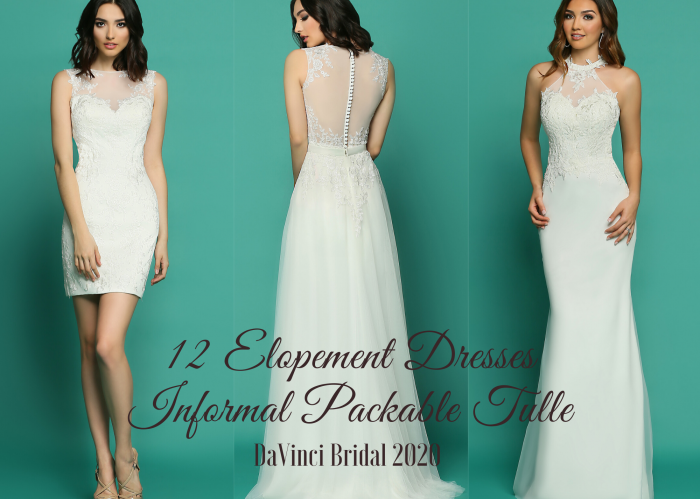
12 Elopement Dresses in Informal Packable Tulle – DaVinci Bridal Blog
Accessories, Dresses, General Planning, Theme & Decor, Wedding
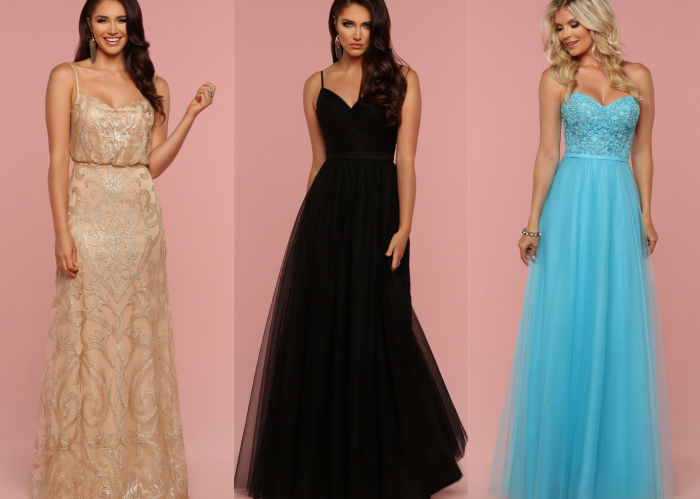
Tulle Bridesmaid Dresses for 2020 – DaVinci Bridal
Dresses, General Planning, Photography, Theme & Decor, Venues, Video, Wedding
How to Reschedule (Not Cancel!) Your Wedding – DaVinci Bridal Blog
Dresses, General Planning, Theme & Decor, Wedding
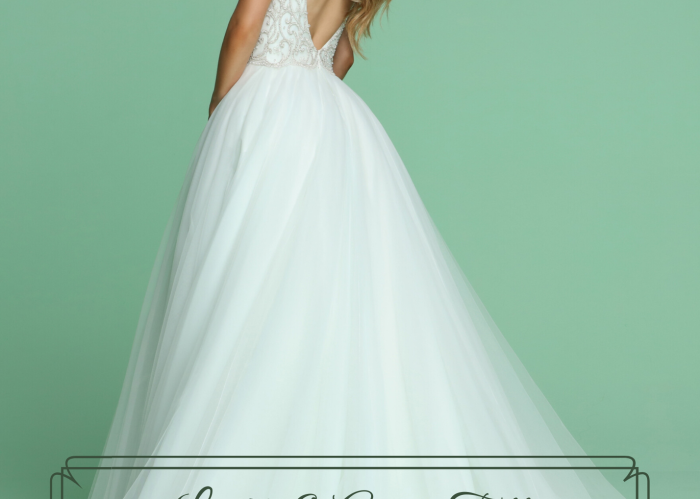
2020 Tulle Bridal Gowns & Wedding Dresses – DaVinci Bridal Blog
Accessories, Dresses, General Planning, Theme & Decor, Wedding
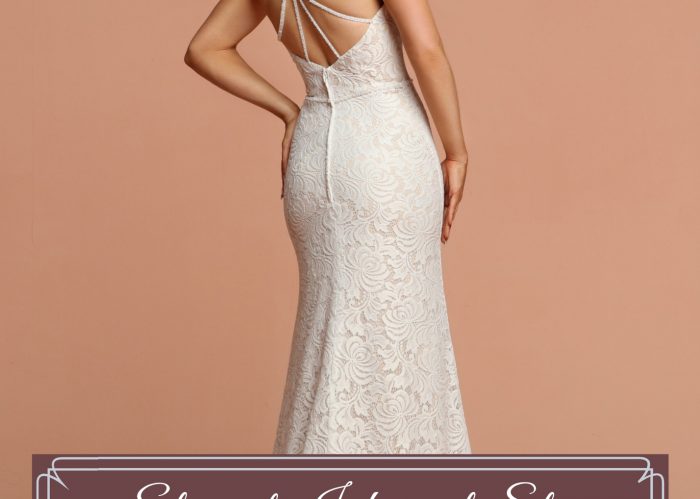
Informal Destination & Beach Slip Wedding Dresses 2020 – DaVinci Bridal
Accessories, Dresses, General Planning, Theme & Decor, Wedding
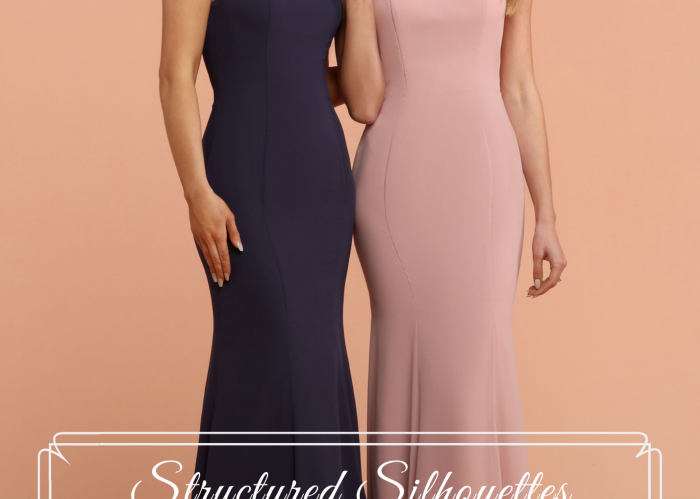
Structured Silhouette Bridesmaids Dresses for 2020 – DaVinci Bridal
Accessories, Dresses, General Planning, Theme & Decor, Wedding
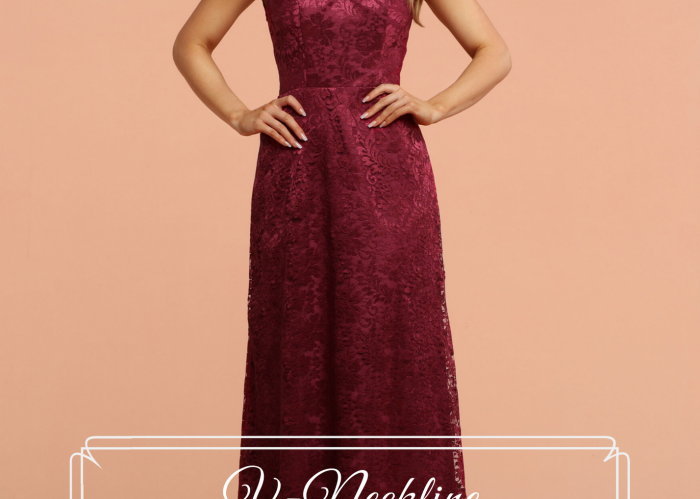
V-Neckline Bridesmaids Dresses for 2020 – DaVinci Bridal
Dresses, General Planning, Wedding
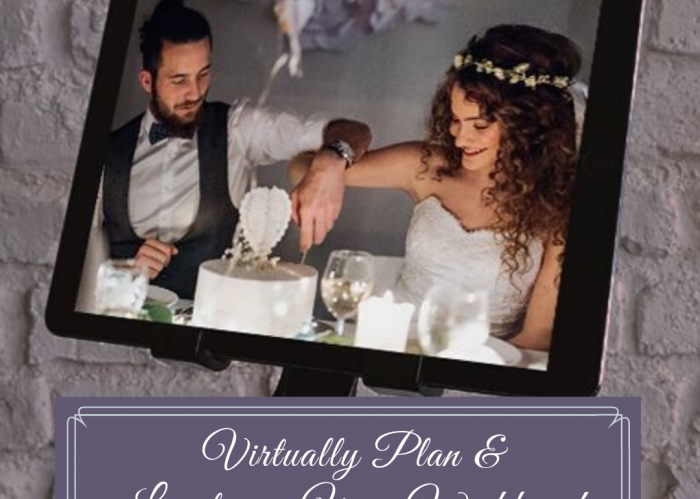
Virtually Plan & Livestream Your Wedding How-to Guide – DaVinci Bridal Blog
Accessories, Dresses, General Planning, Theme & Decor, Venues, Wedding
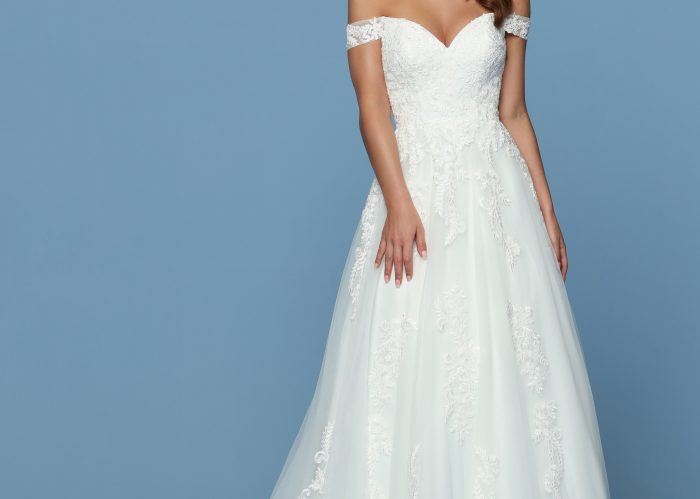
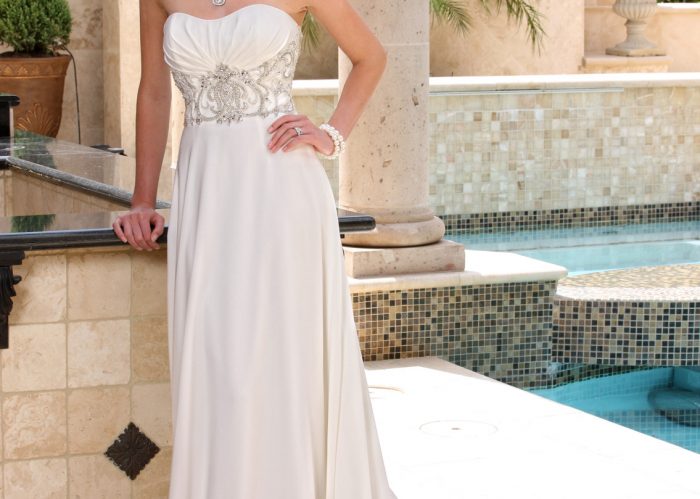
Sheath & Column Wedding Dresses for 2020 – DaVinci Bridal
Accessories, Dresses, General Planning, Theme & Decor, Wedding
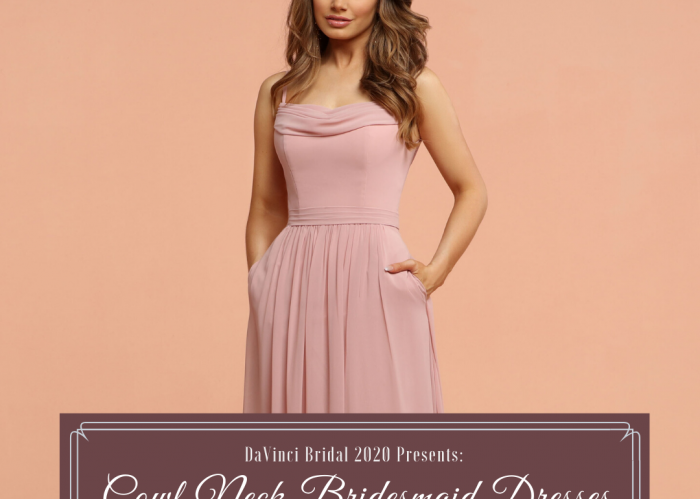
Cowl Neck Bridesmaids Dresses for 2020 – DaVinci Bridal

Dresses, General Planning, Uncategorized, Wedding
It’s OK to Grieve Your Postponed Wedding – DaVinci Bridal Blog
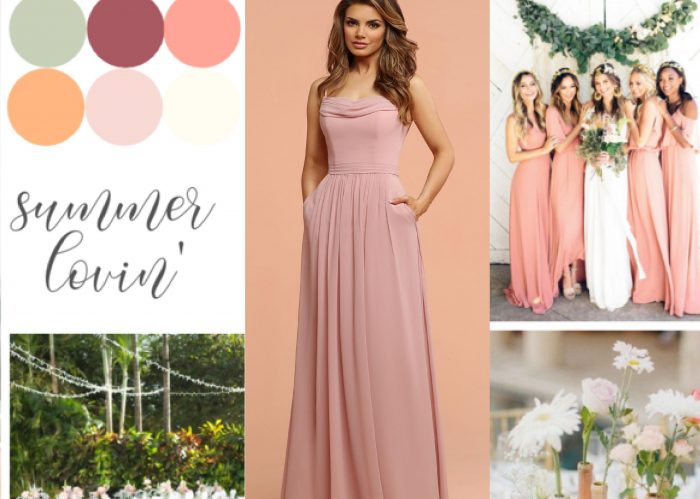
Accessories, Dresses, General Planning, Theme & Decor, Wedding
2020 Bridesmaid Dresses Color Trends: Rose – DaVinci Bridal
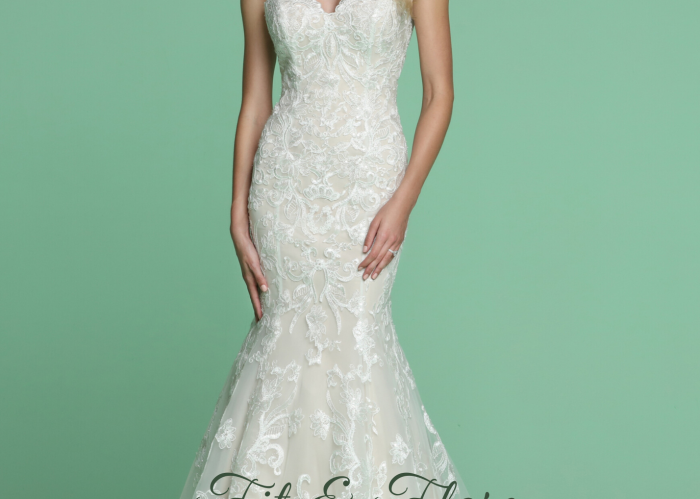
Accessories, Dresses, General Planning, Theme & Decor, Venues, Wedding
2020 Fit & Flare Wedding Dress Lookbook – DaVinci Bridal
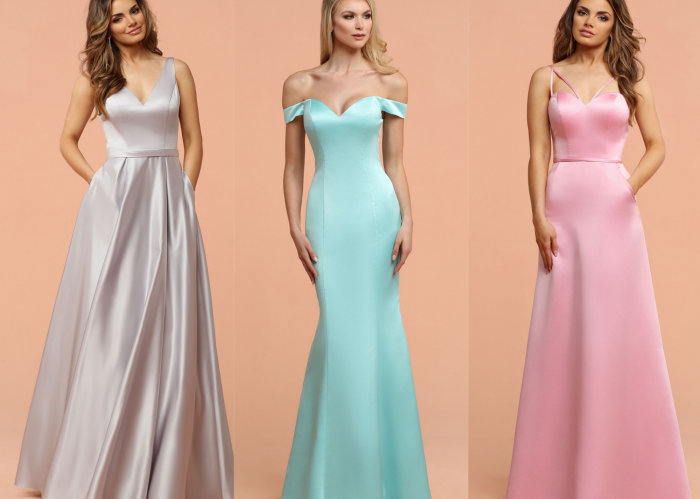
Accessories, Dresses, General Planning, Theme & Decor, Wedding
Satin & Silk Bridesmaids Dresses for 2020 – DaVinci Bridal
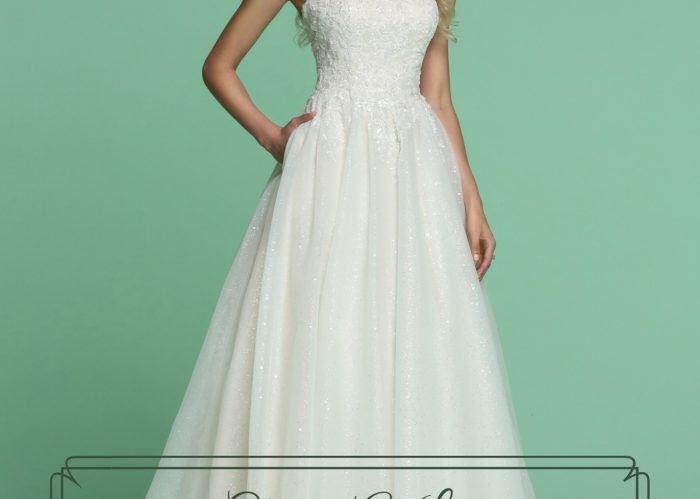
Accessories, Dresses, General Planning, Theme & Decor, Venues, Wedding
2020 Classic A-Line Wedding Dress Lookbook – DaVinci Bridal
Accessories, Dresses, General Planning, Theme & Decor, Venues, Wedding
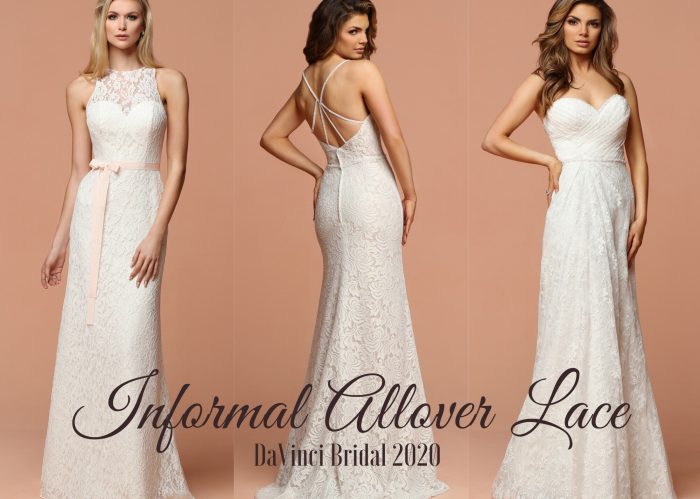
Destination & Beach Wedding Dresses 2020 Allover Lace – DaVinci Bridal
Accessories, Dresses, General Planning, Theme & Decor, Wedding
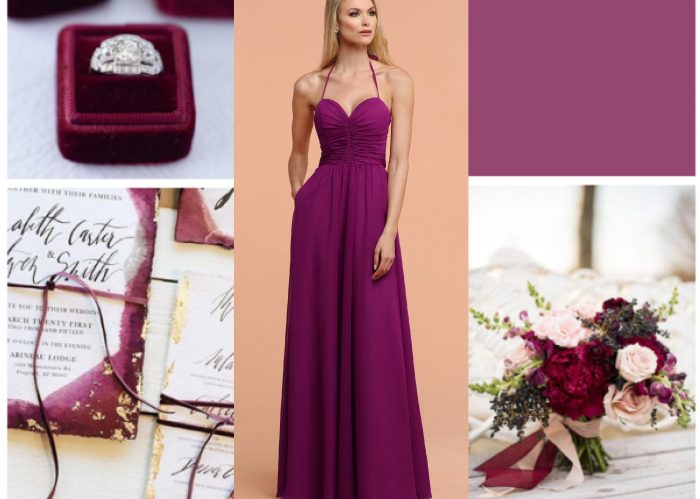
2020 Bridesmaid Dresses Color Trends: Cassis – DaVinci Bridal
Accessories, Dresses, General Planning, Theme & Decor, Venues, Wedding
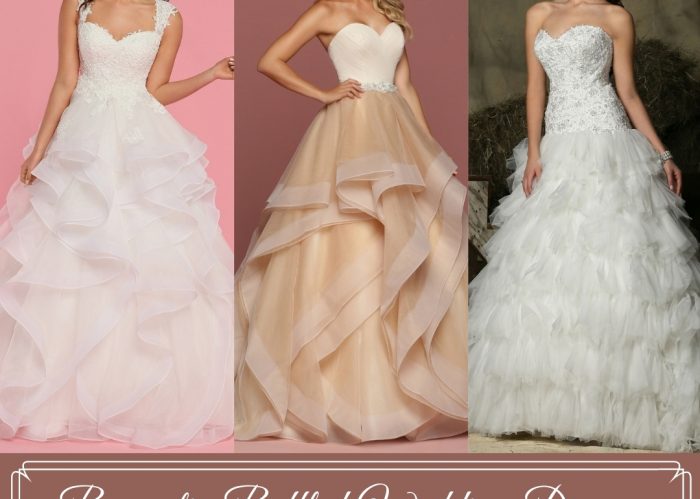
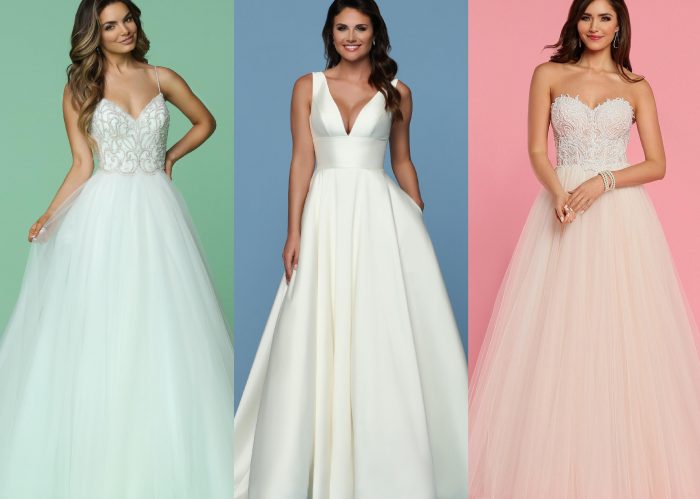
Classic Ball Gown Wedding Dresses for 2020 – DaVinci Bridal
Accessories, Dresses, General Planning, Theme & Decor, Wedding
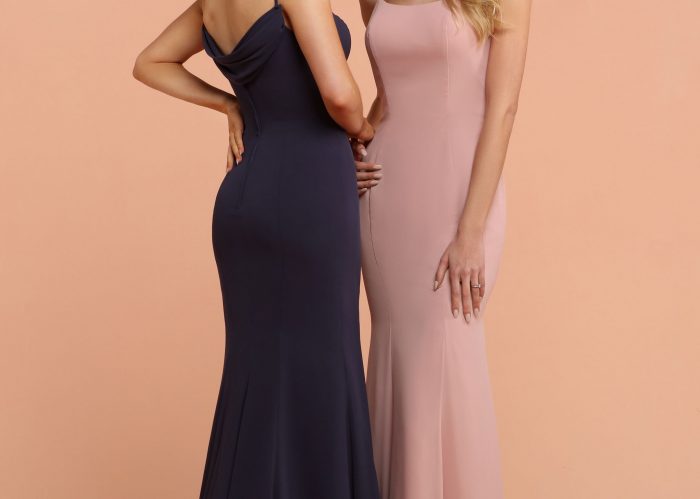
Elegant Jewel Tone Bridesmaids Dresses for 2020 – DaVinci Bridal
Accessories, Dresses, General Planning, Theme & Decor, Venues, Wedding
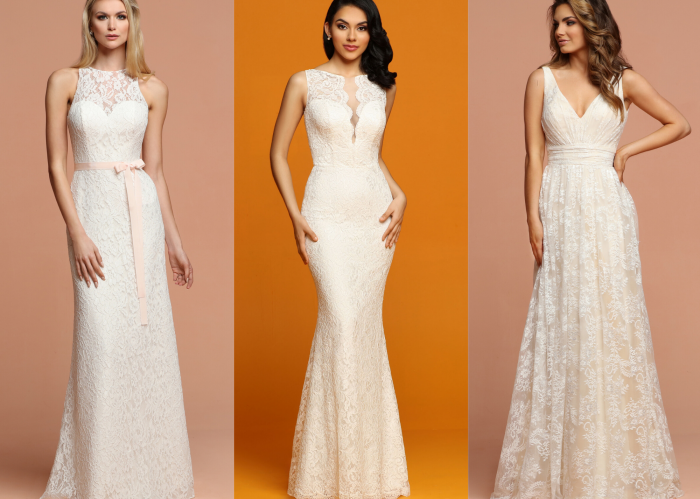
Destination & Beach Wedding Dresses 2020 Modest Styles – DaVinci Bridal
Dresses, General Planning, Theme & Decor, Wedding
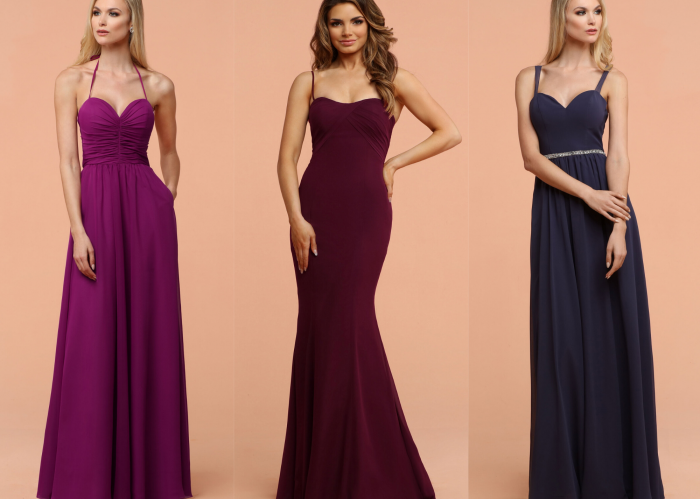
Chiffon Bridesmaids Dresses for 2020 – DaVinci Bridal
Accessories, Dresses, General Planning, Theme & Decor, Wedding
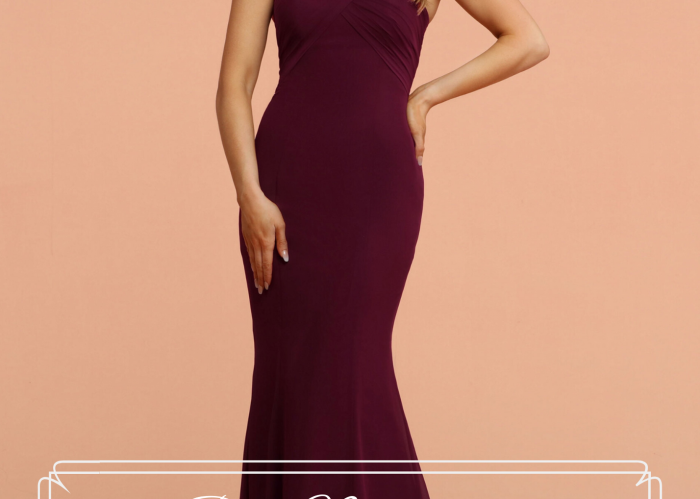
Best New Bridesmaids Dress Color Ideas for 2020 – DaVinci Bridal
Accessories, Dresses, General Planning, Theme & Decor, Wedding
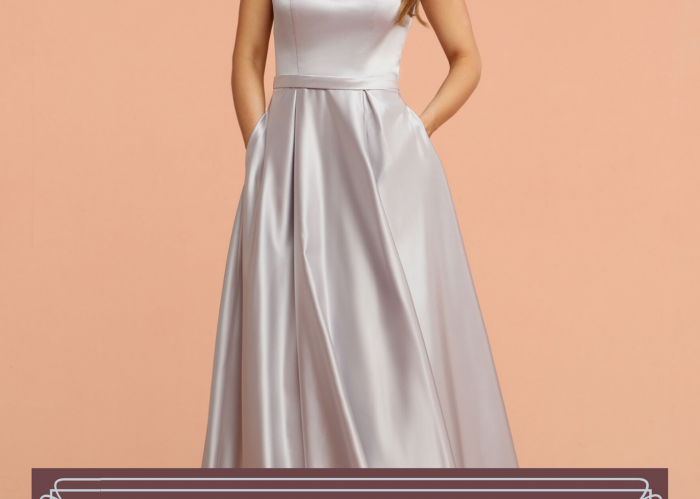
Dressy Full Skirt Bridesmaid Dresses – DaVinci Bridal
Accessories, Dresses, General Planning, Theme & Decor, Wedding
A-Line Ball Gown Wedding Dresses for 2020 – DaVinci Bridal Blog
Accessories, Dresses, General Planning, Theme & Decor, Wedding
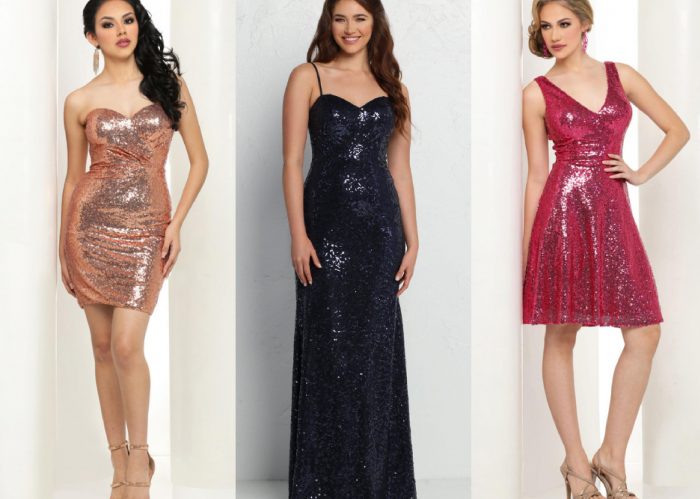
Best Sequin & Sparkly Bridesmaid Dresses for 2020 – Davinci Bridal
Accessories, Dresses, General Planning, Theme & Decor, Wedding
Winter Bridesmaid Dresses 2020 Limited Edition- DaVinci Bridal Blog
Accessories, Dresses, General Planning, Theme & Decor, Wedding
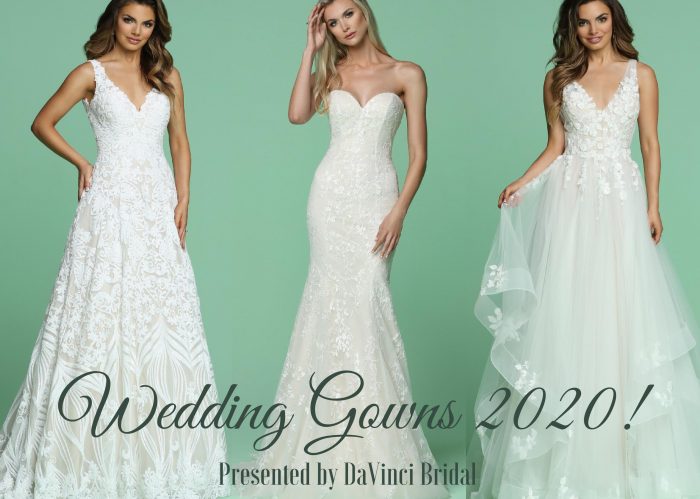
Meet Our New 2020 Wedding Dress Collection! DaVinci Bridal
Accessories, Dresses, General Planning, Theme & Decor, Wedding
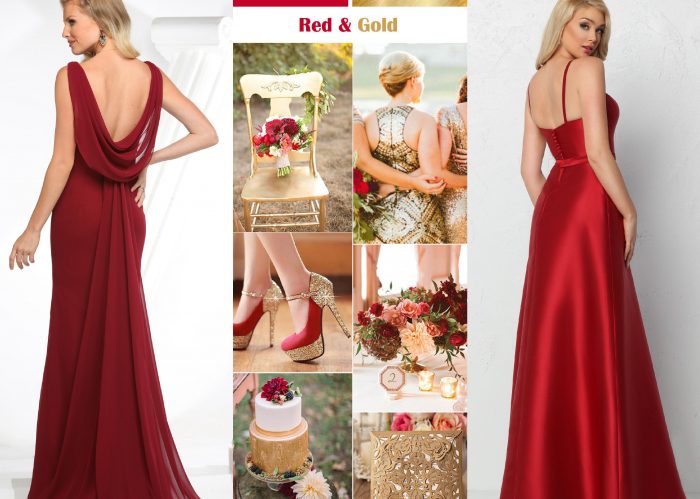
Classic Wedding Color Schemes Red Bridesmaid Dresses – DaVinci Bridal Fashion Blog
Accessories, Dresses, General Planning, Theme & Decor, Wedding
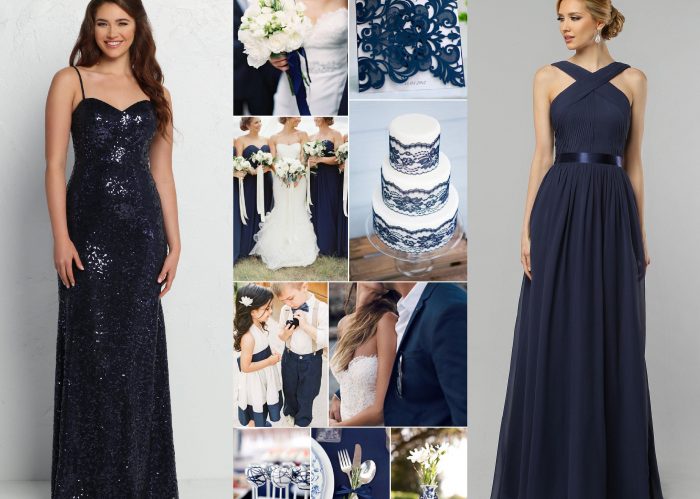
Classic Wedding Color Scheme White with Blue Bridesmaid Dresses – DaVinci Bridal Blog
Accessories, Dresses, General Planning, Shoes, Skin & Makeup, Theme & Decor, Wedding
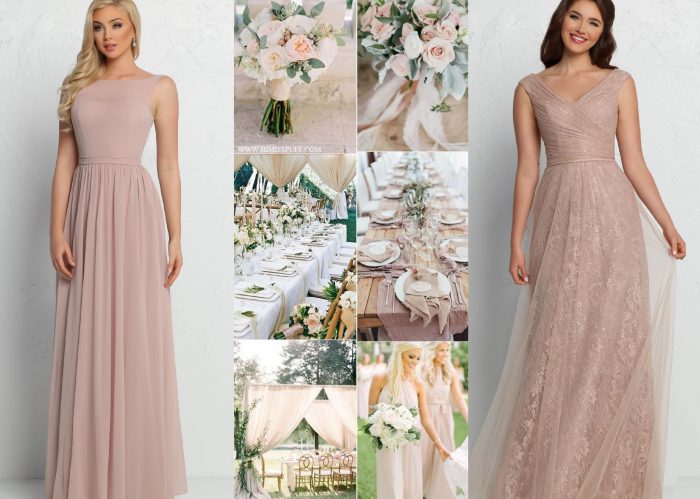
Top Wedding Color Trends Monochromatic Neutrals – DaVinci Bridal Blog
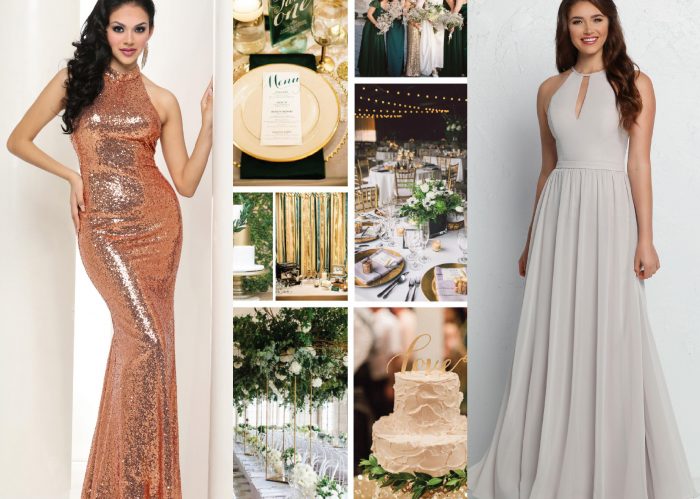
Accessories, Dresses, General Planning, Theme & Decor, Wedding
Elegant Wedding Color Scheme Gold & Off White Bridesmaids Dresses – DaVinci Bridal Blog
Dresses, General Planning, Theme & Decor, Wedding
8 Classic Wedding Color Schemes – DaVinci Bridal Fashion Blog
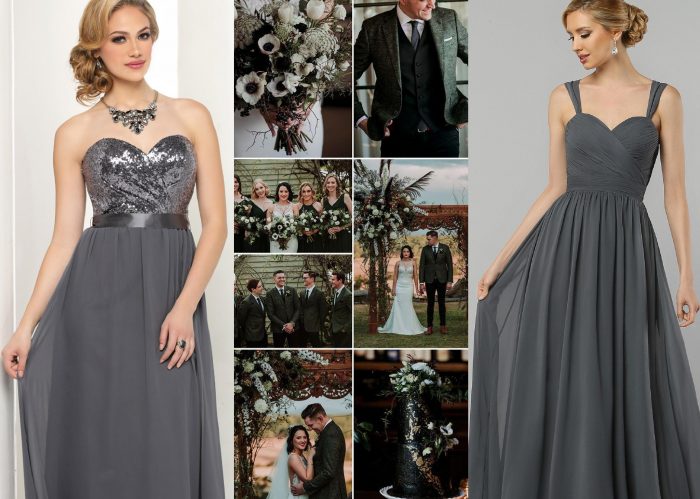
Accessories, Dresses, Theme & Decor, Wedding
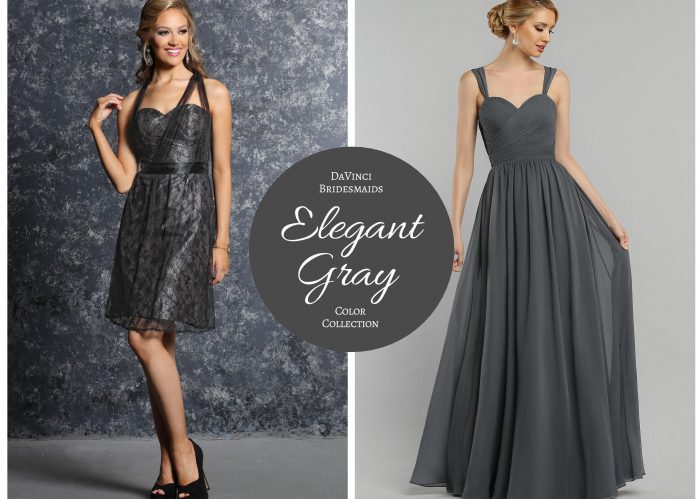
Gray Bridesmaids Dresses for Any Season – DaVinci Bridal Blog
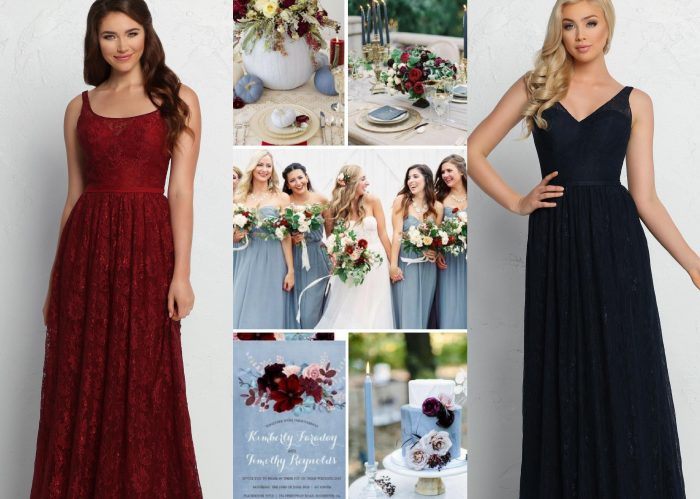
Dresses, General Planning, Theme & Decor, Wedding
Blue, Burgundy & Neutral Bridesmaids Dresses – DaVinci Bridal Blog
Dresses, General Planning, Theme & Decor, Wedding
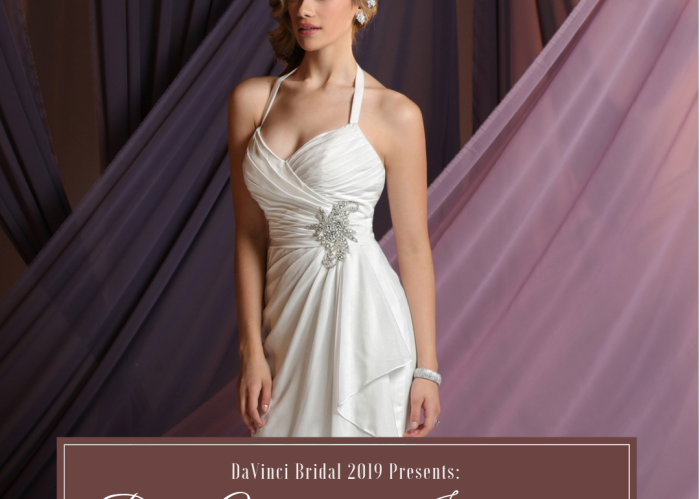
2019 Bohemian Wedding Dresses & Boho Gowns – DaVinci Bridal Blog
Dresses, Theme & Decor, Wedding
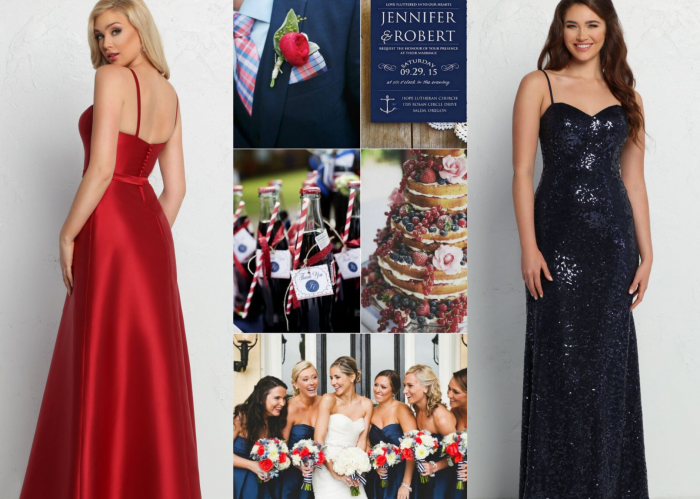
Red, White & Blue Patriotic Wedding Bridesmaid Dresses – DaVinci Bridal Blog
Dresses, Theme & Decor, Wedding
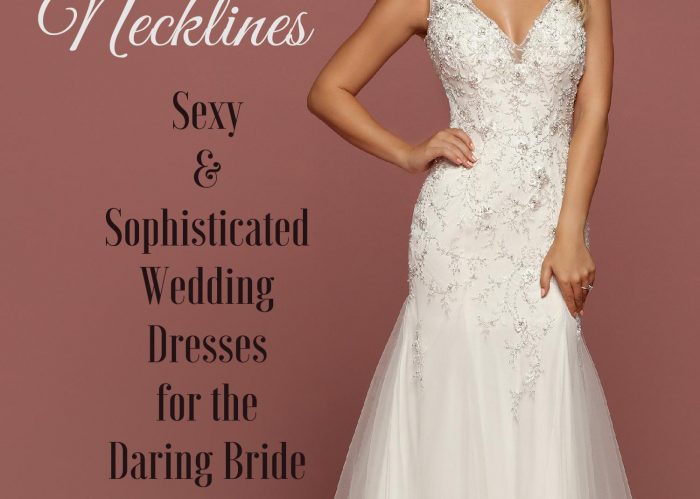
Plunging V-Neck Wedding Dresses for the Daring Bride – DaVinci Bridal Blog
Dresses, General Planning, Theme & Decor, Wedding
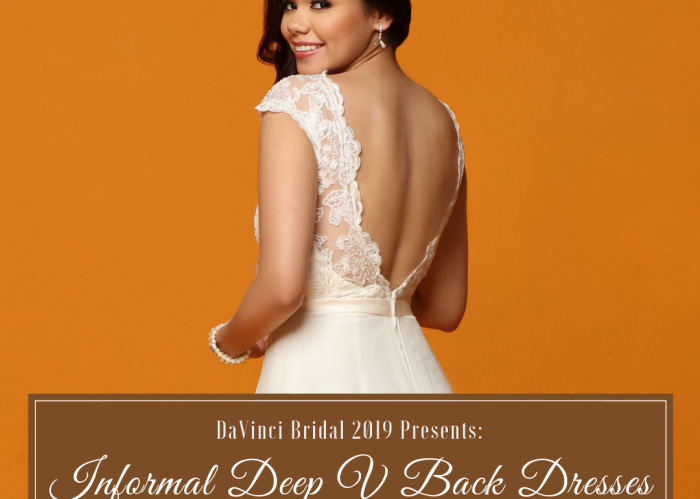
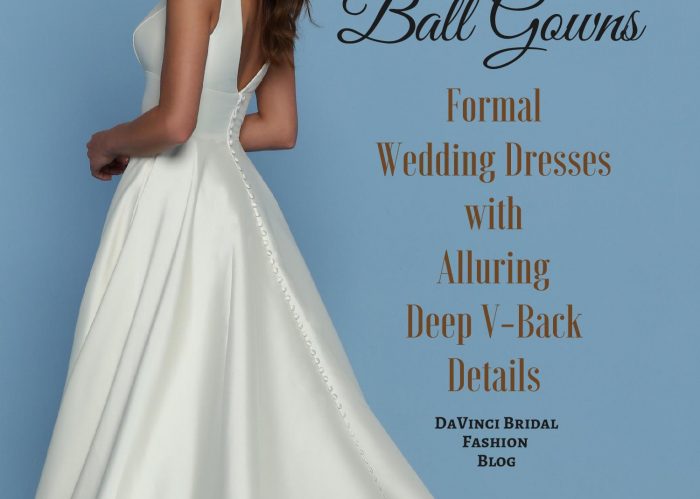
Deep V Back Ball Gown Wedding Dresses 2019 – DaVinci Bridal Blog
Accessories, Dresses, Hair, Shoes, Skin & Makeup, Theme & Decor
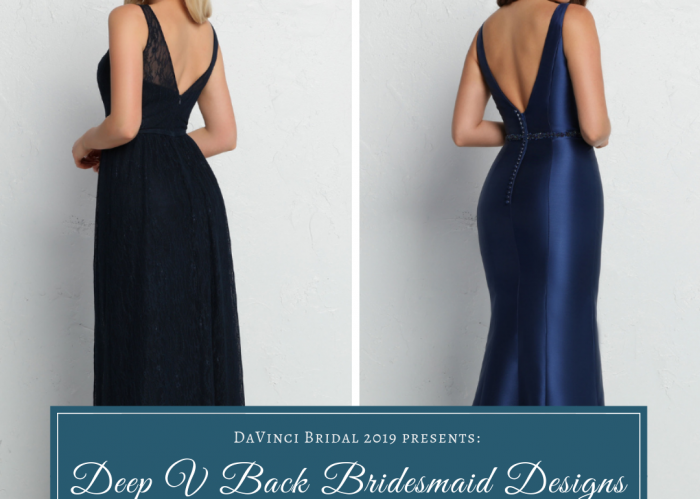
Deep V Back Bridesmaid Dresses 2019 – DaVinci Bridal Blog
Accessories, Dresses, General Planning, Hair, Shoes, Theme & Decor, Wedding
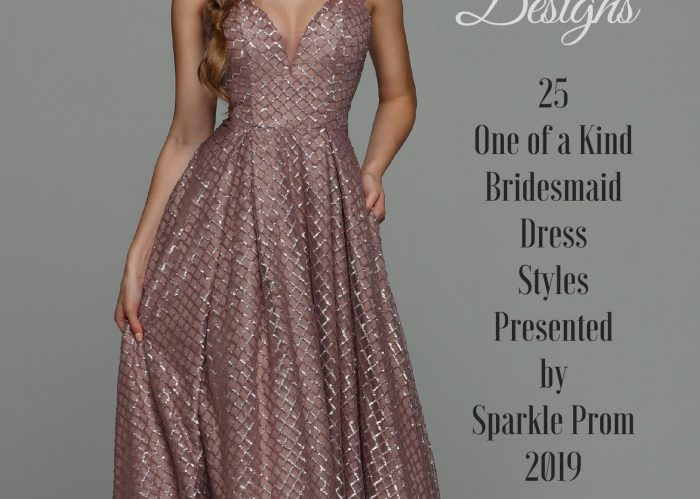
25 Limited Edition Formal Bridesmaid Prom Dresses – DaVinci Bridal Fashion Blog
Accessories, Dresses, General Planning, Wedding
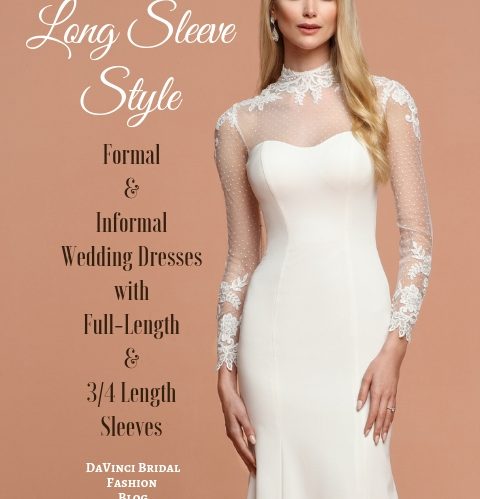
Long Sleeve Wedding Dresses for 2019 – DaVinci Bridal Fashion Blog
Accessories, Dresses, General Planning, Theme & Decor, Wedding
Sexy Backless Wedding Dresses for 2019 – DaVinci Bridal Fashion Blog
Accessories, Dresses, Theme & Decor, Wedding
Off the Shoulder Wedding Dresses & Gowns for 2019 – DaVinci Bridal Fashion Blog
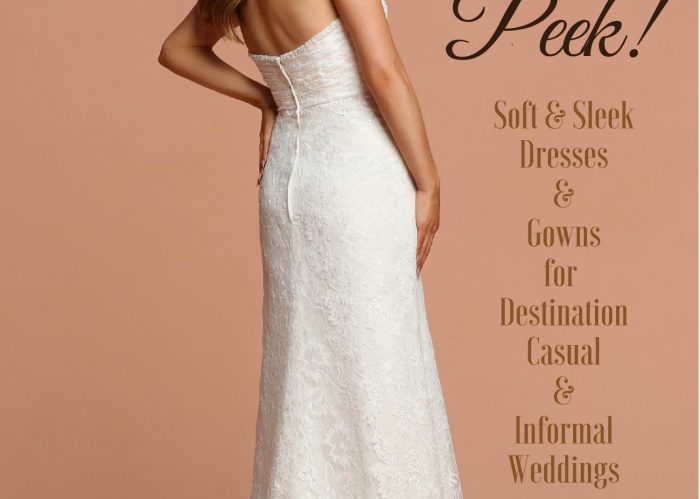
Accessories, Dresses, General Planning, Theme & Decor
Casual & Informal 2019 Wedding Dress Sneak Peek – DaVinci Bridal Blog
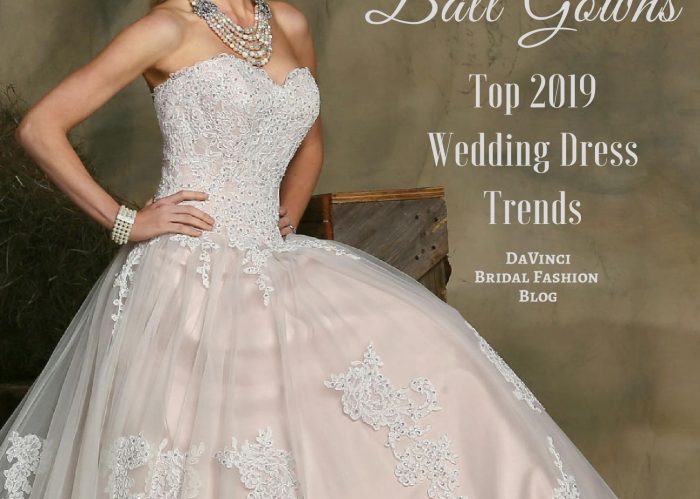
Accessories, Dresses, Gallery, Theme & Decor, Wedding
Top 2019 Wedding Dress Trends Bold Ball Gowns – DaVinci Bridal Fashion Blog
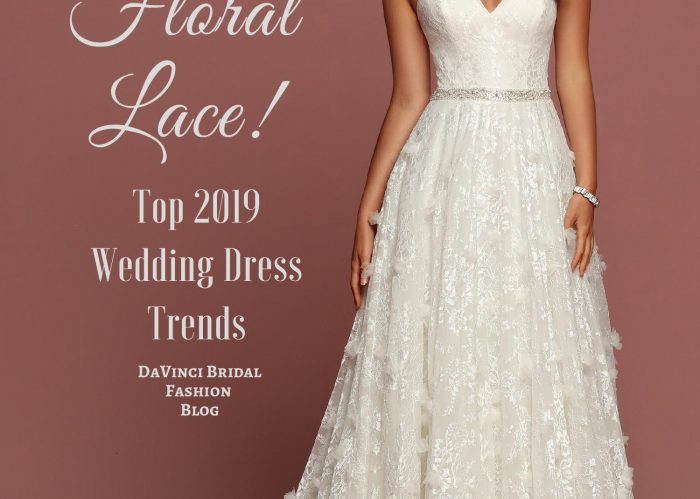
Dresses, Theme & Decor, Wedding
Top Spring 2019 Wedding Dress Trends 3-D Floral Lace – DaVinci Bridal Fashion Blog
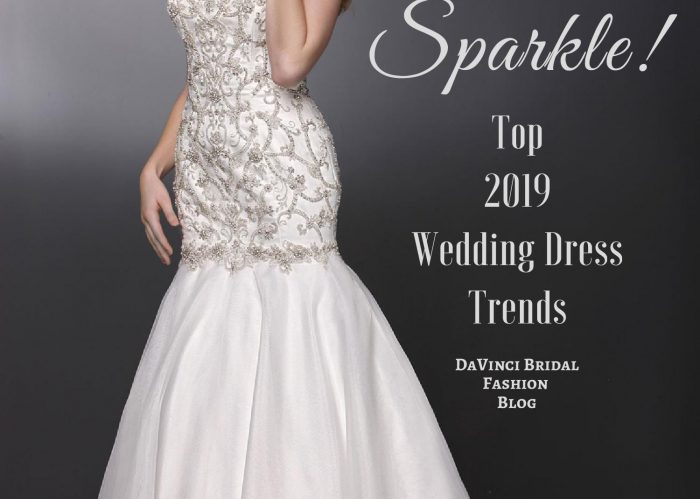
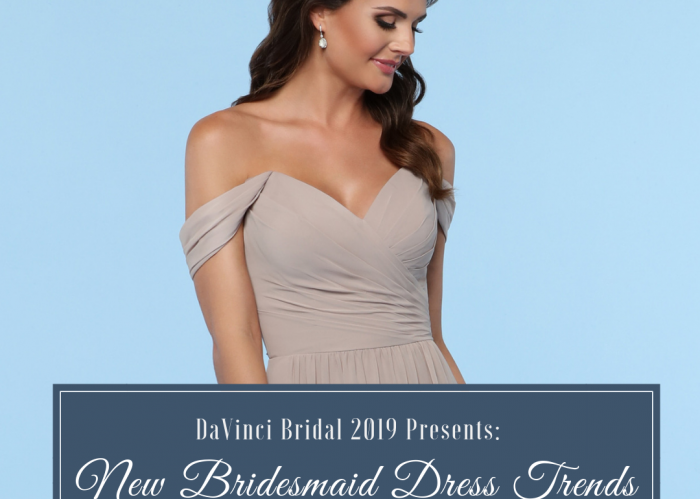
Accessories, Dresses, Hair, Shoes, Wedding
New Bridesmaid Dress Trends for 2019 – DaVinci Bridal Fashion Blog
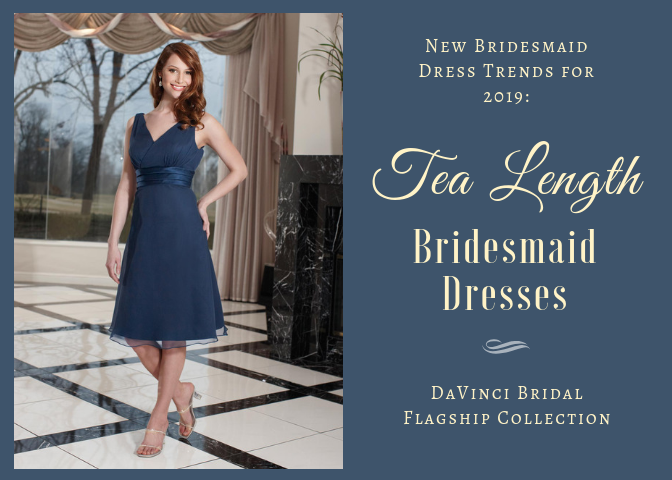
Accessories, Dresses, Hair, Nails, Shoes, Skin & Makeup, Wedding
New Bridesmaid Dress Trends 2019 Tea Length Dresses – DaVinci Bridal Blog
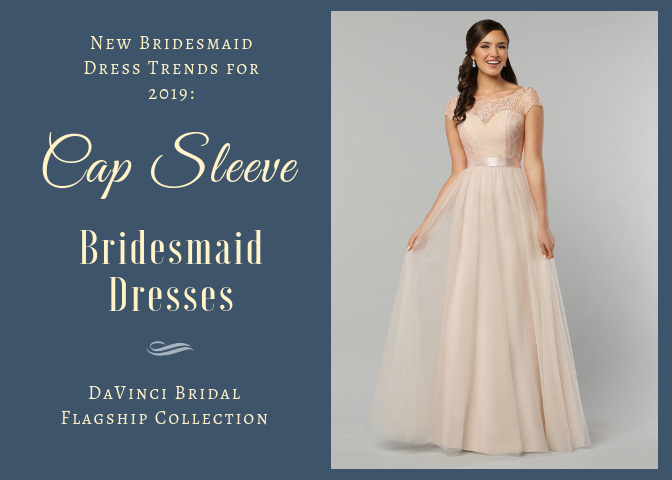
Accessories, Dresses, Hair, Nails, Shoes, Skin & Makeup, Wedding
New Bridesmaid Dress Trends 2019 Cap Sleeve Dresses – DaVinci Bridal Blog
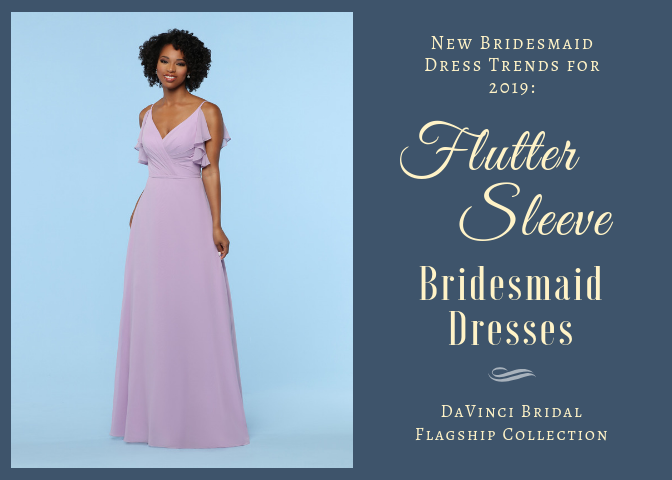
Accessories, Dresses, Hair, Nails, Shoes, Skin & Makeup, Wedding
New Bridesmaid Dress Trends 2019 Flutter Sleeve Dresses – DaVinci Bridal Blog
Accessories, Dresses, Hair, Nails, Shoes, Skin & Makeup, Wedding
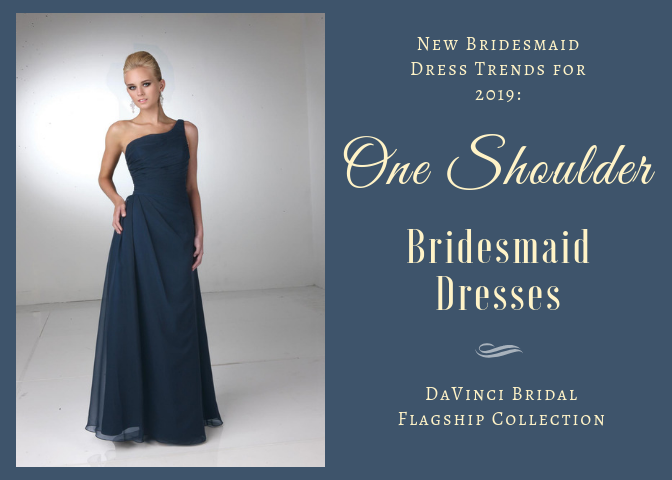
New Bridesmaid Dress Trends 2019 One Shoulder Dresses – DaVinci Bridal Blog
Accessories, Dresses, Hair, Nails, Photography, Shoes, Skin & Makeup, Wedding
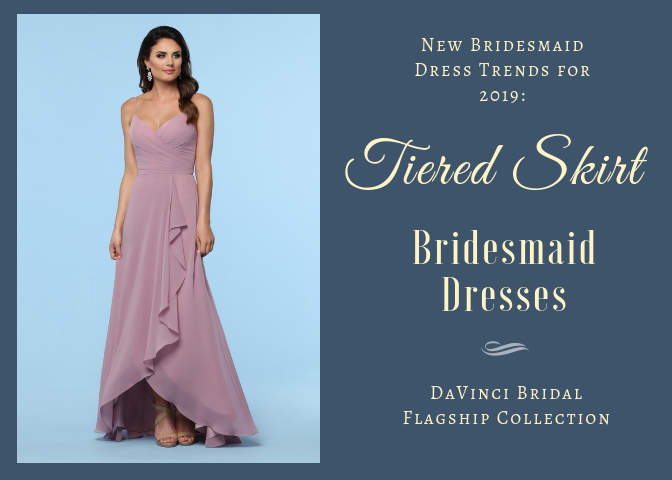
New Bridesmaid Dress Trends 2019 Tiered Skirt Dresses – DaVinci Bridal Blog
Accessories, Dresses, Hair, Nails, Shoes, Skin & Makeup, Wedding
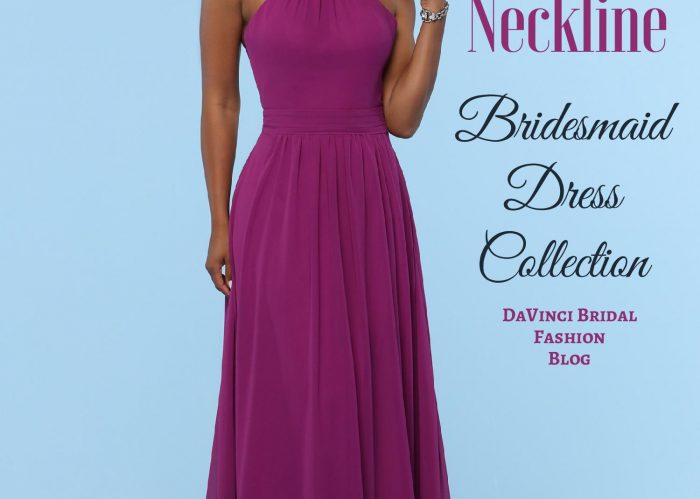
Halter Bridesmaid Dresses 2019 New Arrivals – DaVinci Bridal Blog
Accessories, Dresses, Hair, Nails, Shoes, Skin & Makeup, Wedding
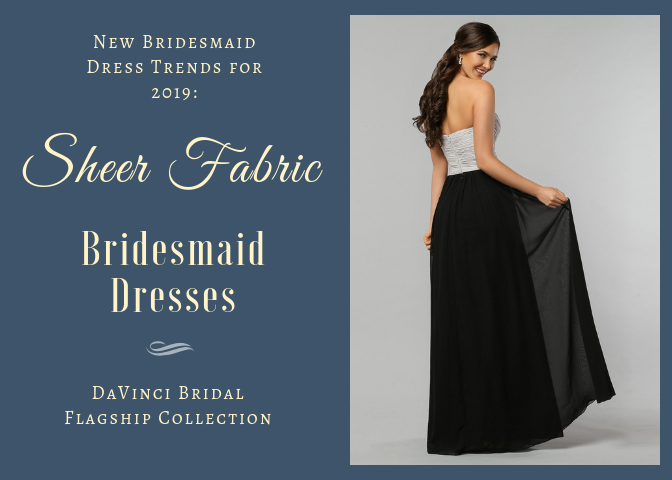
New Bridesmaid Dress Trends 2019 Sheer Fabric Dresses – DaVinci Bridal Blog
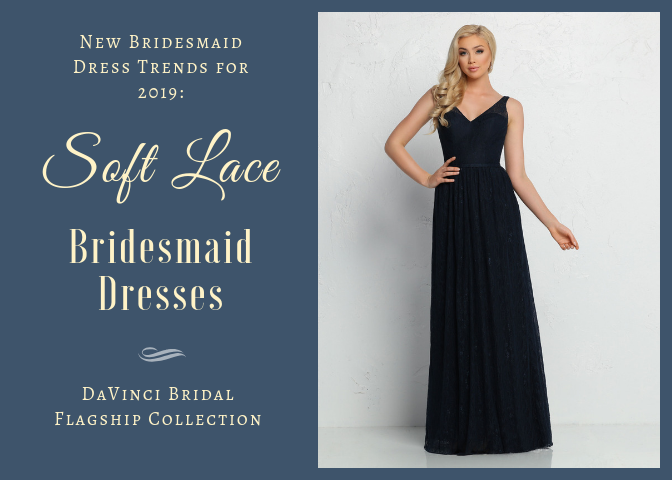
Accessories, Dresses, Hair, Nails, Photography, Shoes, Skin & Makeup, Wedding
New Bridesmaid Dress Trends 2019 Soft Lace Dresses – DaVinci Bridal Blog
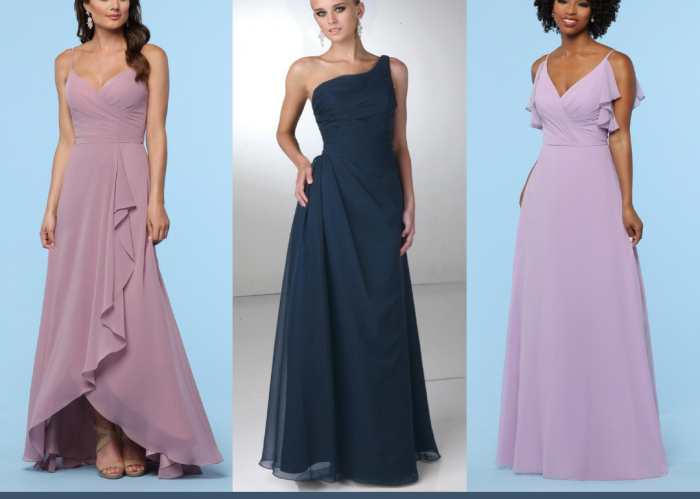
Accessories, Dresses, Hair, Nails, Photography, Skin & Makeup, Wedding
2019 New Bridesmaid Dress Trends – DaVinci Bridal Fashion Blog
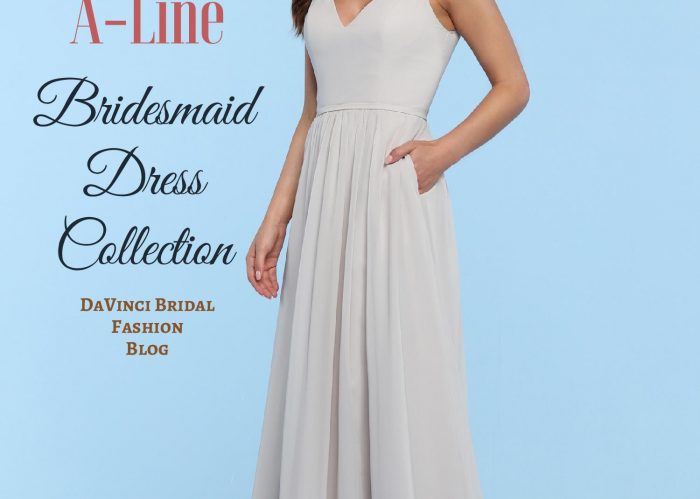
Accessories, Dresses, Hair, Nails, Photography, Shoes, Wedding
A-Line Bridesmaid Dresses 2019 New Arrivals – DaVinci Bridal Fashion Blog
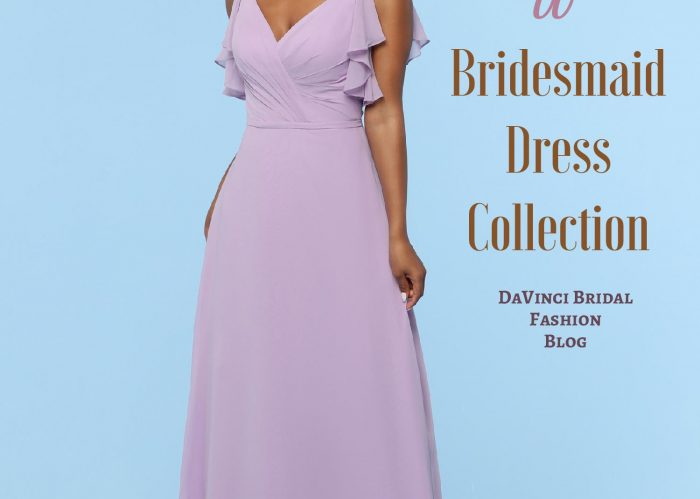
Dresses, Nails, Shoes, Skin & Makeup, Theme & Decor, Wedding
Chiffon Bridesmaid Dresses 2019 New Arrivals – DaVinci Bridal Fashion Blog
Accessories, Dresses, General Planning, Hair, Nails, Shoes, Wedding
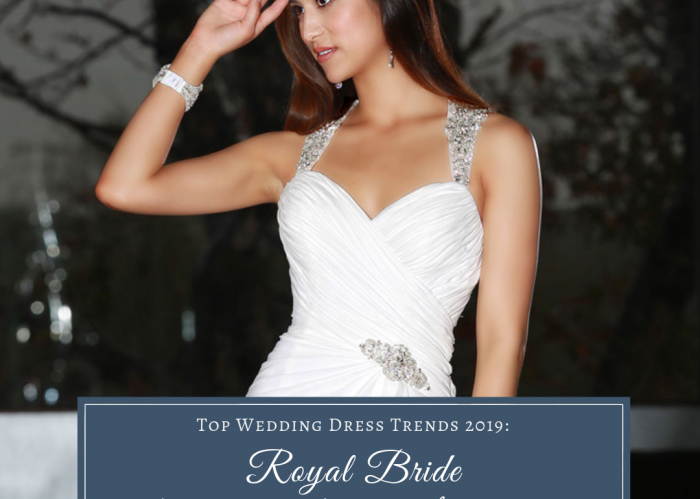
Top Wedding Dress Trends 2019 Royal Bride Reception Dress Inspirations – DaVinci Bridal Fashion Blog
Accessories, Dresses, Hair, Nails, Shoes, Skin & Makeup, Wedding
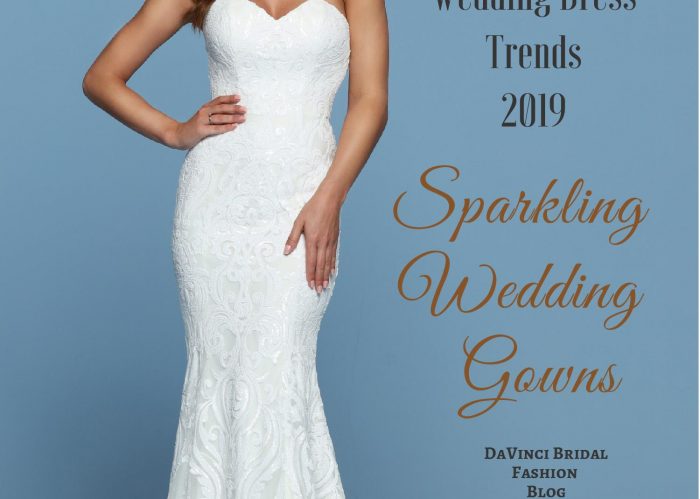
Top Wedding Dress Trends for 2019 Sparkly Wedding Gowns – DaVinci Bridal Fashion Blog
Accessories, Dresses, General Planning, Hair, Nails, Shoes, Skin & Makeup, Wedding
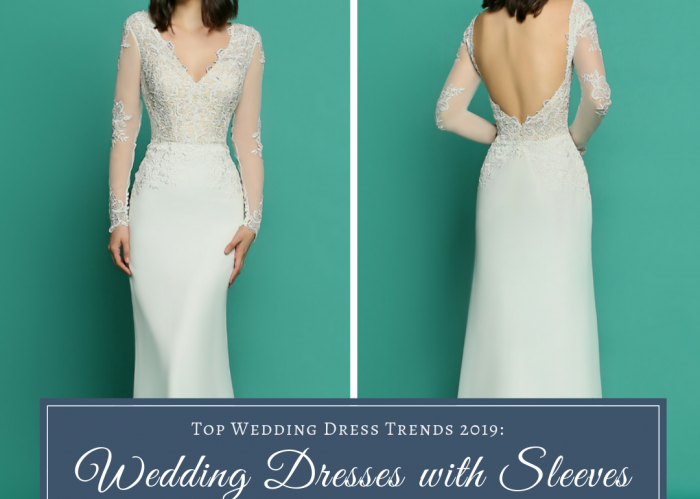
Top Wedding Dress Trends for 2019 Wedding Dresses & Gowns with Sleeves – DaVinci Bridal Blog
Accessories, Dresses, General Planning, Hair, Shoes, Theme & Decor, Uncategorized, Wedding
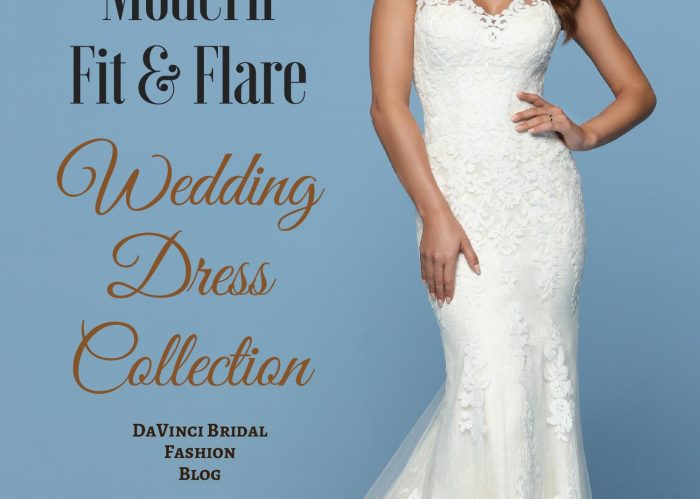
Wedding Gowns for 2019 Modern Fit & Flare Wedding Dresses – DaVinci Fashion Blog
Accessories, Dresses, General Planning, Hair, Nails, Shoes, Skin & Makeup, Theme & Decor, Uncategorized, Wedding
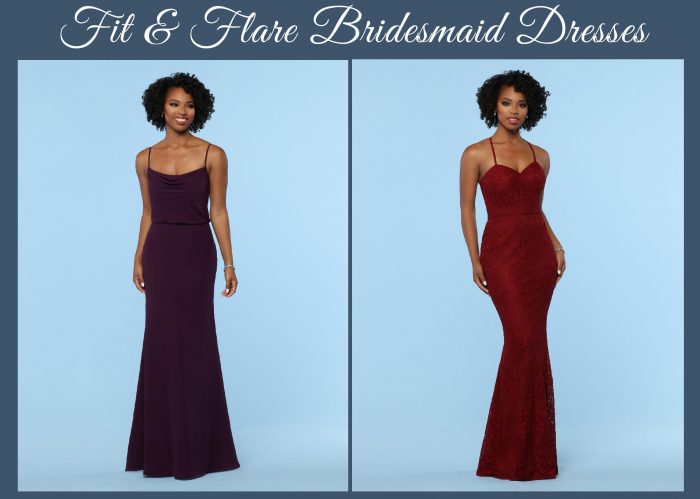
New Arrival! 2019 Fit & Flare Bridesmaid Dress Collection – DaVinci Bridal Blog
Accessories, Dresses, General Planning, Hair, Nails, Shoes, Skin & Makeup, Theme & Decor, Wedding
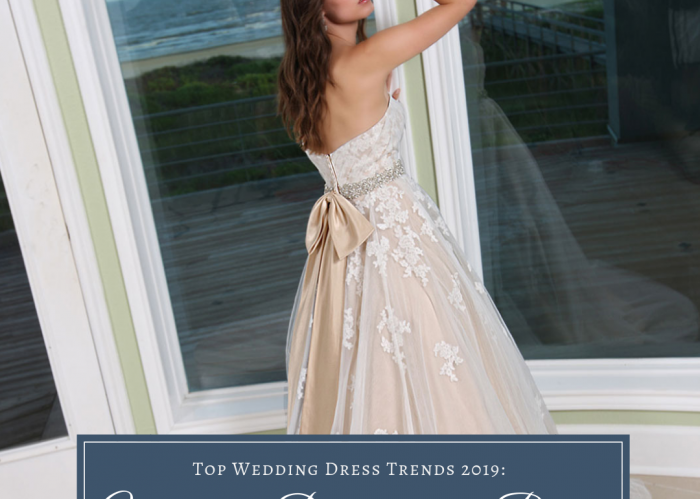
Top Wedding Dress Trends for 2019 Wedding Dresses with Bows – DaVinci Bridal Blog
Accessories, Dresses, General Planning, Theme & Decor, Uncategorized, Wedding
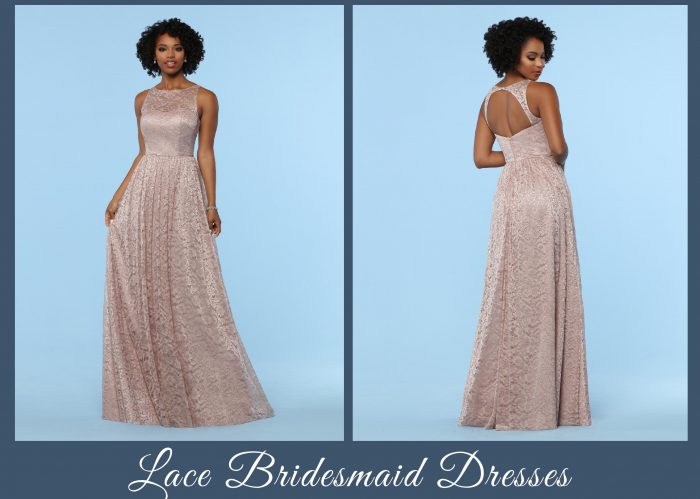
New Bridesmaid Dress Trends 2019 Lace Bridesmaid Dresses – DaVinci Bridal Fashion Blog
Accessories, Dresses, General Planning, Theme & Decor, Wedding
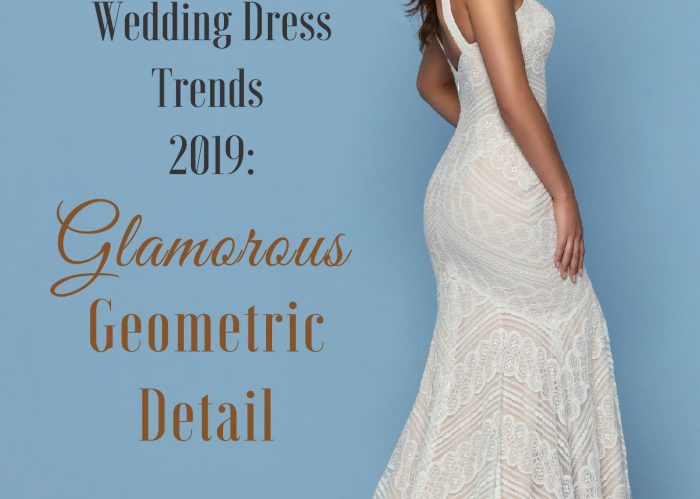
Top Wedding Dress Trends for 2019 Wedding Gowns with Geometric Details – DaVinci Bridal Fashion Blog
Accessories, Dresses, Theme & Decor, Wedding
Top Wedding Dress Trends for 2019 Meghan Markle Wedding Dress Style – DaVinci Bridal Fashion Blog
Dresses, Uncategorized, Wedding
Wedding Gowns for 2019: Modern Mermaid Wedding Dress Collection – DaVinci Fashion Blog
Dresses, Hair, Photography, Theme & Decor, Wedding
Wedding Dress Trends for 2019 A-Line Wedding Dress Collection – DaVinci Bridal Blog
Accessories, Dresses, General Planning, Hair, Photography, Theme & Decor, Wedding
Wedding Dress Trends 2019 Colorful Wedding Dress Collection – DaVinci Fashion Blog
Accessories, Dresses, General Planning, Theme & Decor, Wedding
Wedding Gowns for 2019 Strapless Wedding Dress Collection – DaVinci Fashion Blog
Accessories, Dresses, Theme & Decor, Wedding
2019 Lace Bodice Wedding Dress Collection – DaVinci Fashion Blog
Accessories, Dresses, Skin & Makeup, Theme & Decor, Wedding
Chic Sequin Dresses: NYE, Holiday Parties, Semi-Formal – DaVinci Bridal Blog
Accessories, Dresses, General Planning, Hair, Nails, Photography, Shoes, Theme & Decor, Wedding
Long V-Neck Bridesmaids Dresses – DaVinci Bridal Fashion Blog
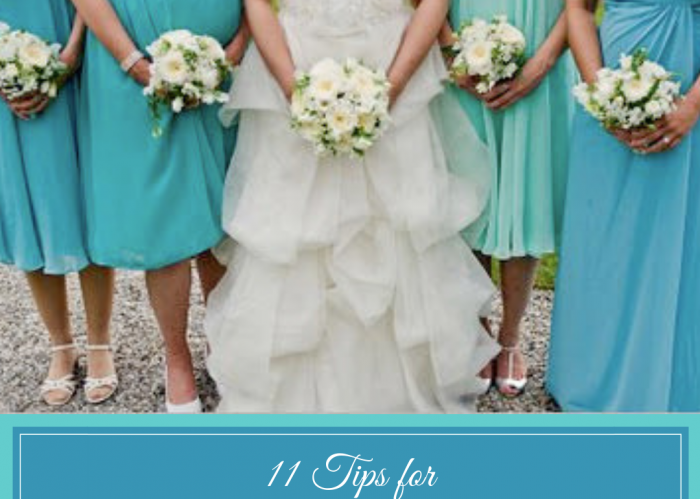
Accessories, Dresses, General Planning, Relationships, Theme & Decor, Wedding
11 Tips for Pregnant Bridesmaid Dress Shopping – DaVinci Bridal Fashion Blog
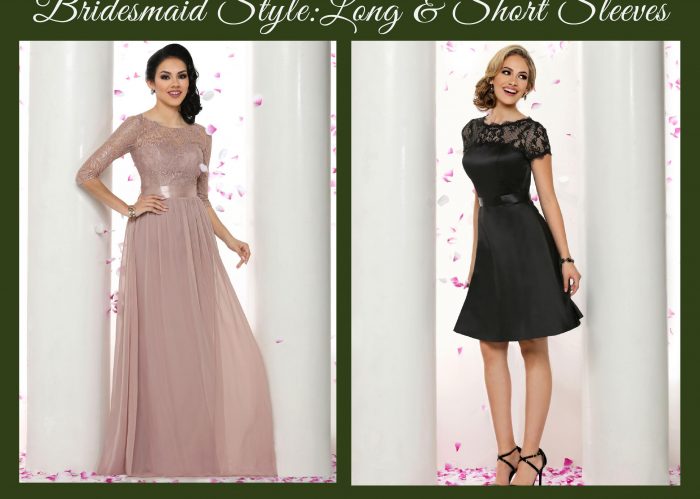
Accessories, Dresses, General Planning, Hair, Theme & Decor, Uncategorized, Wedding
Bridesmaid Dresses with Short & Long Sleeves – DaVinci Bridal Blog
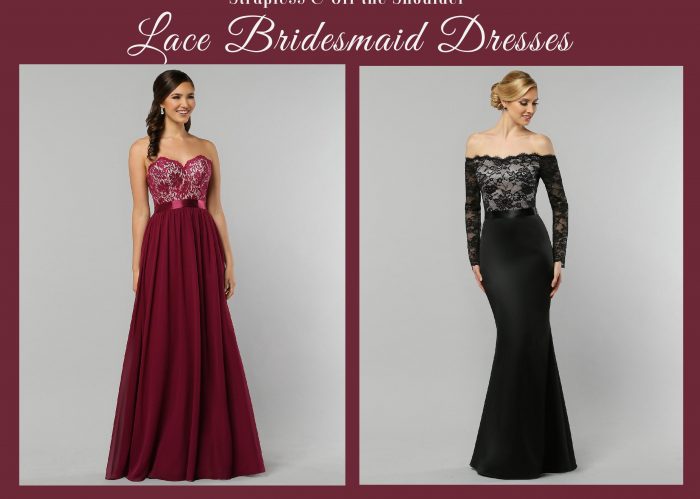
Accessories, Dresses, General Planning, Hair, Nails, Theme & Decor, Wedding
Long Strapless & Off-the-Shoulder Lace Bridesmaid Dresses – DaVinci Bridal Fashion Blog
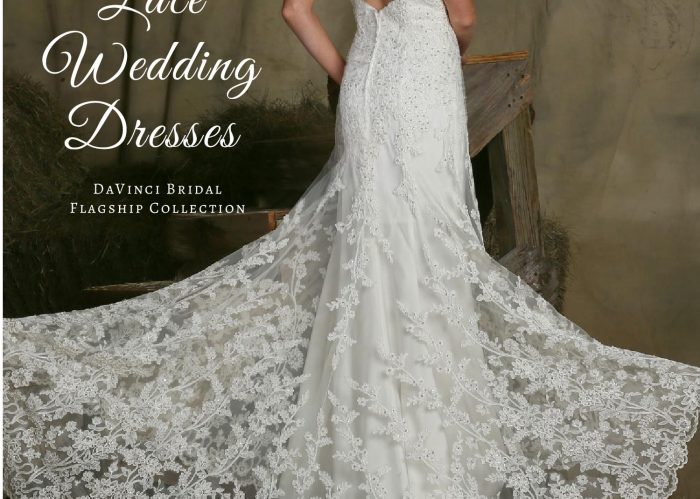
Accessories, Dresses, Theme & Decor, Wedding
Sheath & Form Fitting Lace Wedding Dresses – DaVinci Bridal Blog
Accessories, Dresses, Shoes, Theme & Decor, Wedding
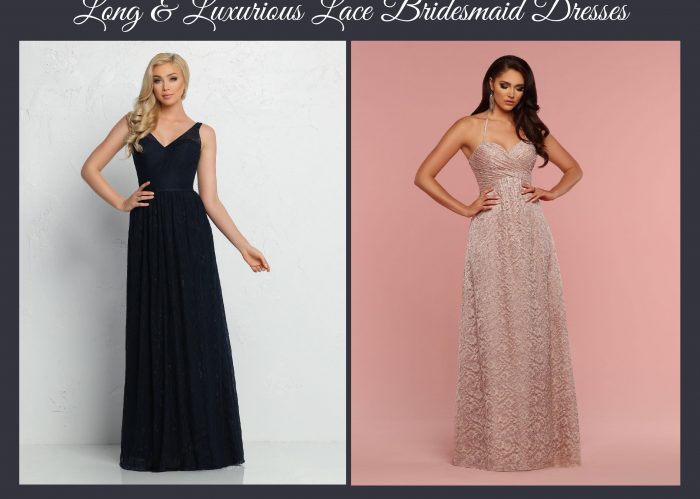
Luxurious Long Lace Bridesmaid Dresses – DaVinci Bridal Fashion Blog
Accessories, Dresses, Hair, Theme & Decor, Wedding
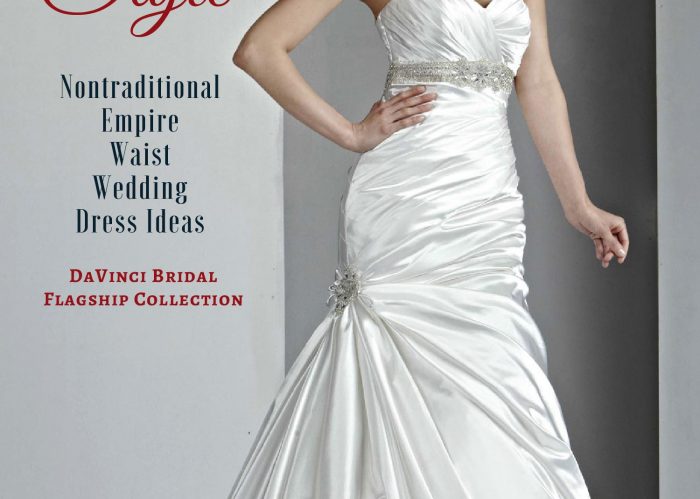
Non Traditional Empire Waist Wedding Dress Ideas – DaVinci Bridal Blog
Accessories, Dresses, General Planning, Relationships, Wedding
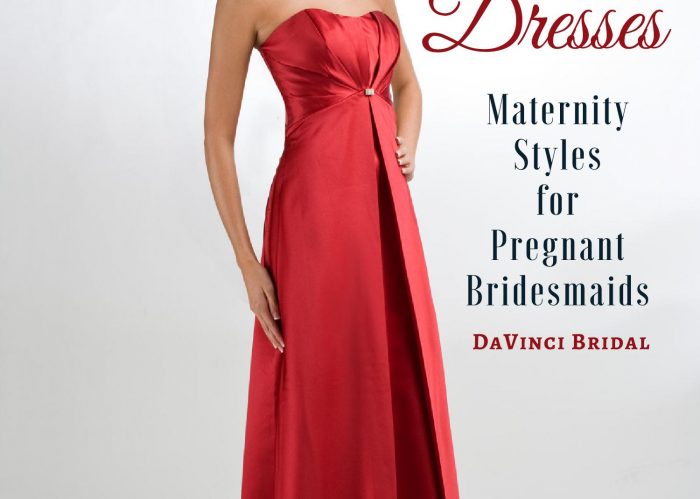
Classic Empire Maternity Bridesmaid Dresses – DaVinci Bridal Fashion Blog
Dresses, General Planning, Theme & Decor, Wedding
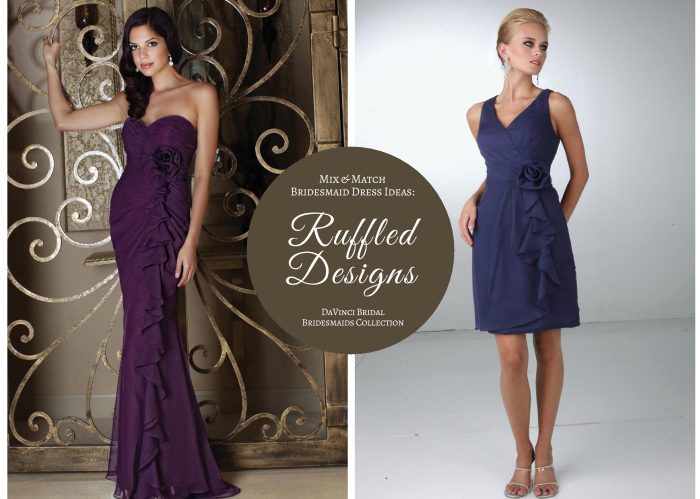
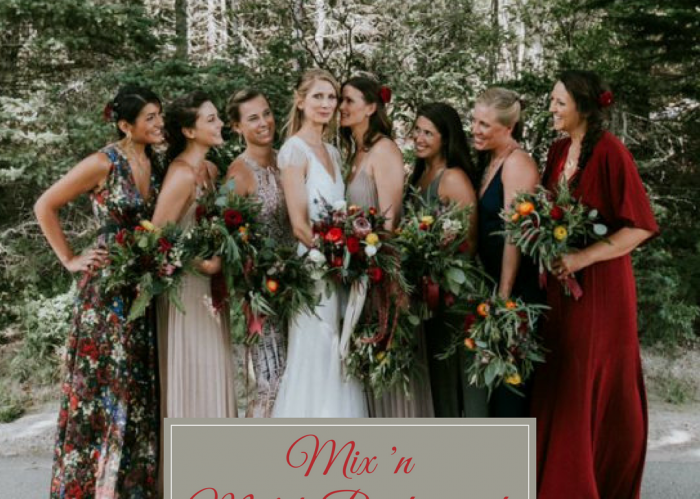
Mix & Match Bridesmaids Ruffled Dress Ideas – DaVinci Bridal Blog
Dresses, Theme & Decor, Wedding
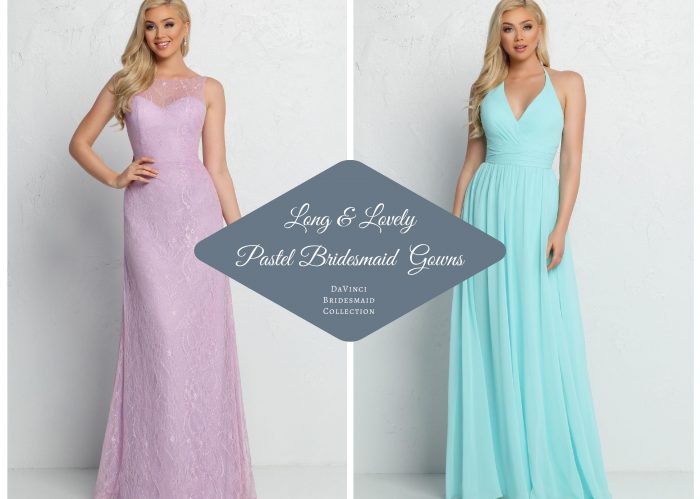
Long & Lovely: Floor Length Pastel Bridesmaids Dresses – DaVinci Bridal Blog


General Planning, Relationships
How to Choose Your Bridesmaids Without Going Crazy – DaVinci Bridal Blog
Dresses, Uncategorized, Wedding
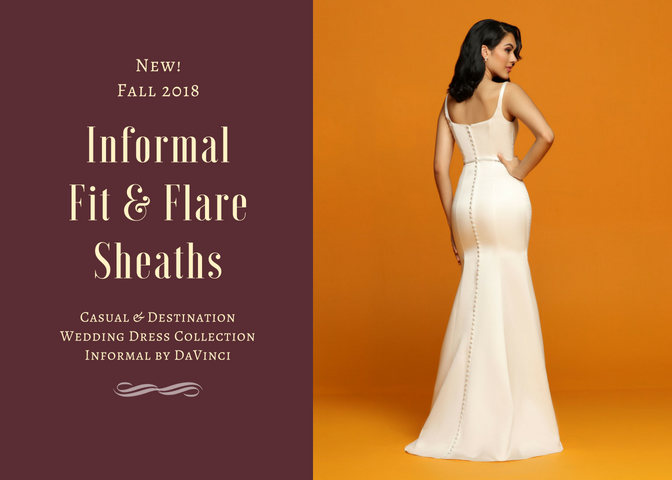
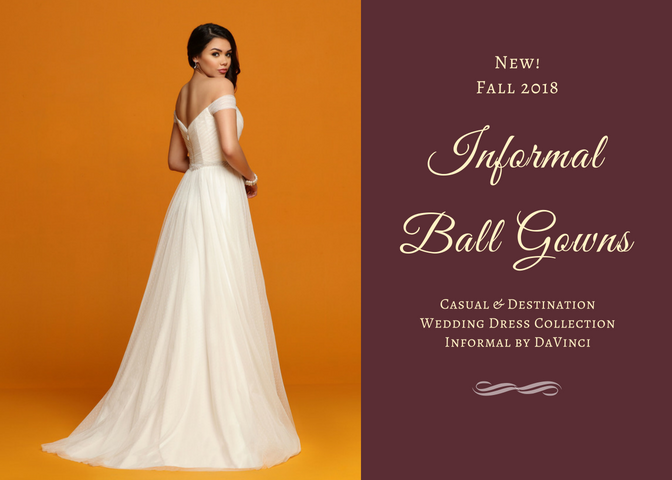
Fall 2018 Informal Fit & Flare Sheath Wedding Dress Collection – DaVinci Bridal Blog
Dresses, Uncategorized, Wedding
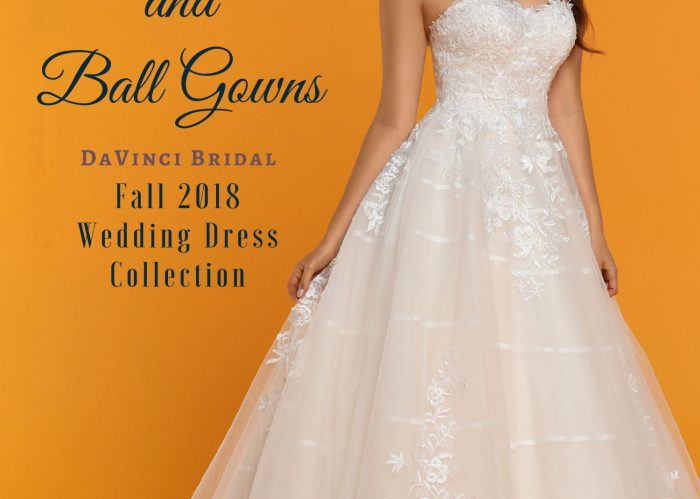
Informal A-Line Ball Gown Wedding Dress Collection: New for Fall 2018 – DaVinci Bridal Blog
Accessories, Dresses, Uncategorized, Wedding
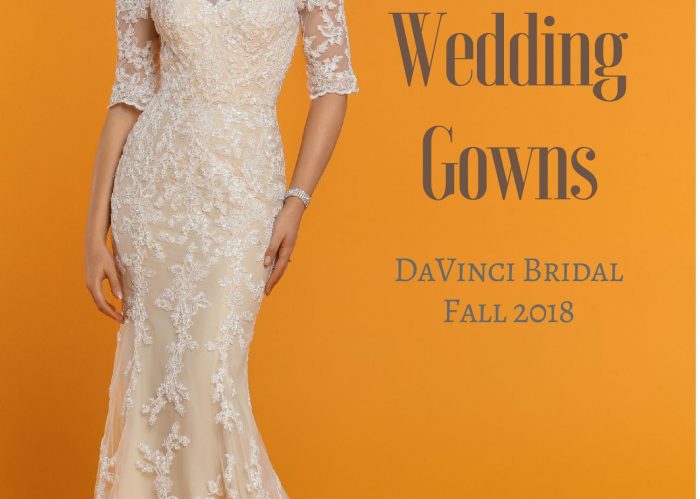
A-Line Ball Gown Wedding Dress Collection: New for Fall 2018 – DaVinci Bridal Blog
Dresses, Uncategorized, Wedding
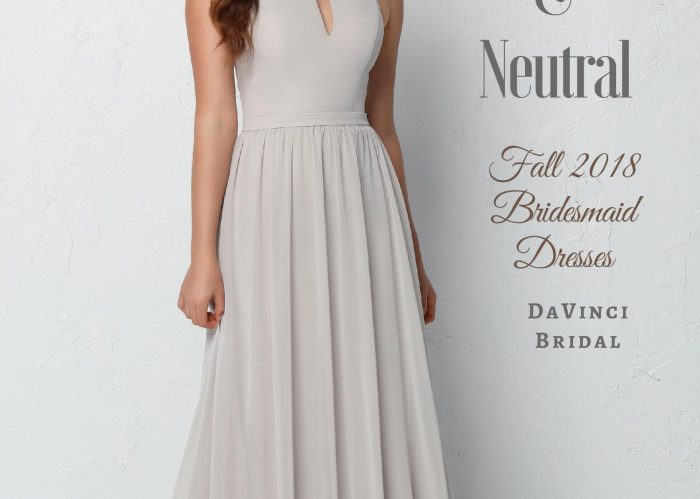
Fit & Flare Wedding Dresses: New for Fall 2018 – DaVinci Bridal Blog
Dresses, Uncategorized, Wedding
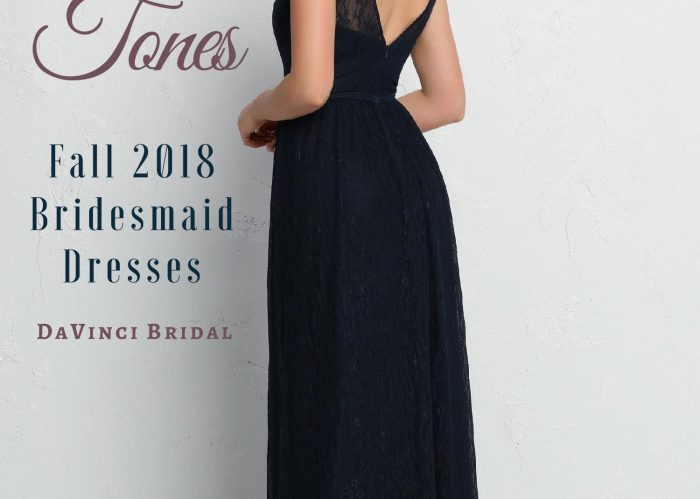
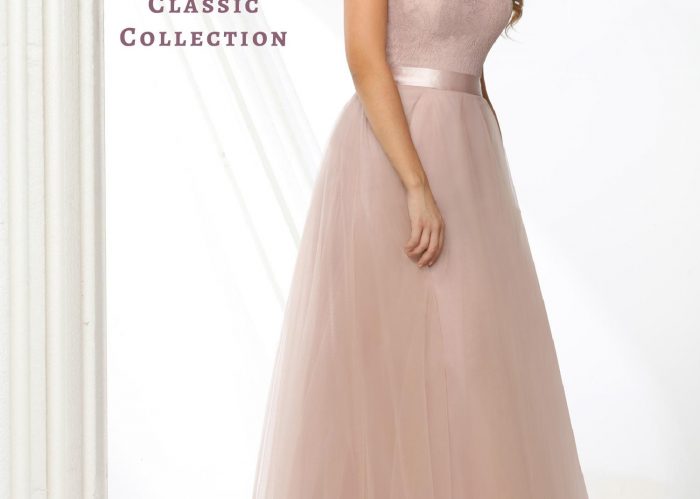
Champagne & Neutral Colored Bridesmaid Dresses – Fall 2018 DaVinci Bridal Blog
Dresses, Theme & Decor, Uncategorized, Wedding
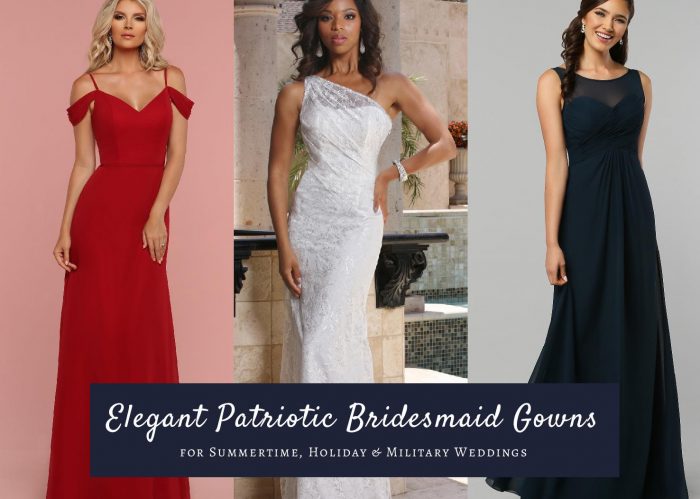
Patriotic Bridesmaid Gowns for Elegant Summertime, Holiday & Military Weddings – DaVinci Bridal Blog
Accessories, Entertainment (celebs, music, movies), History & Tradition, Uncategorized, Wedding
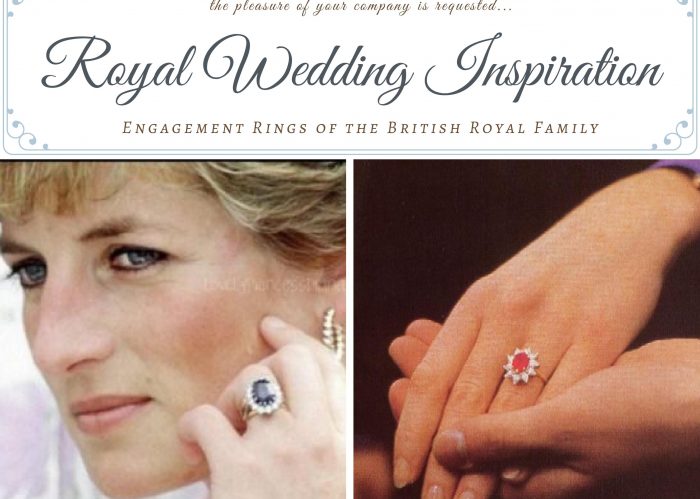
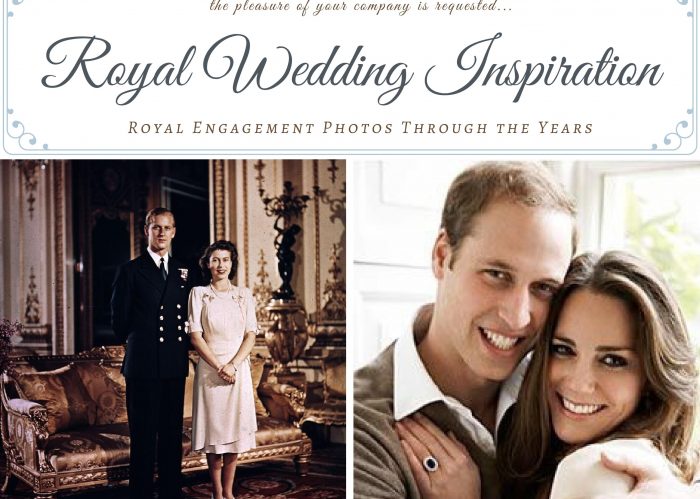
British Royal Family Engagement Rings – DaVinci Bridal Blog
Entertainment (celebs, music, movies), History & Tradition, Photography, Uncategorized, Wedding
Royal Engagement Photos – Royal Wedding Inspirations – DaVinci Bridal Royal Wedding Inspiration
Dresses, Uncategorized, Wedding
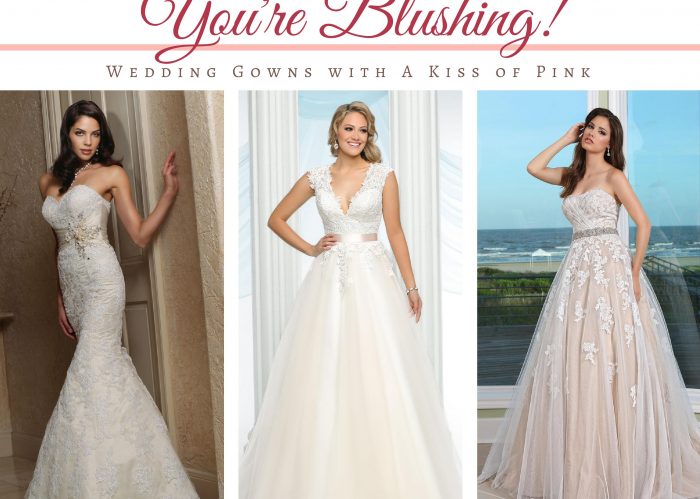
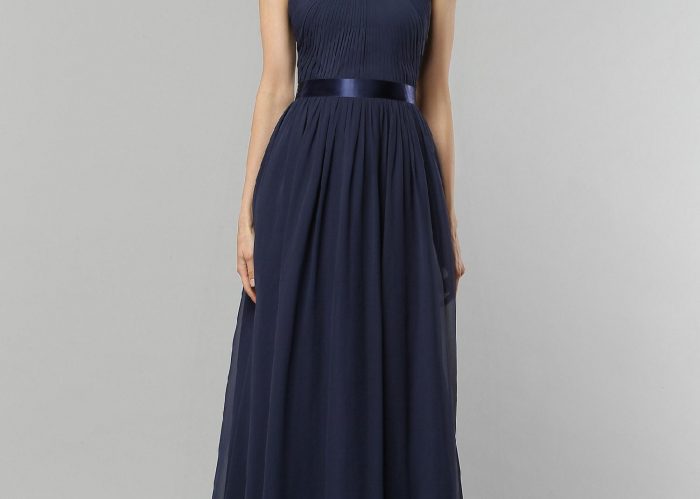
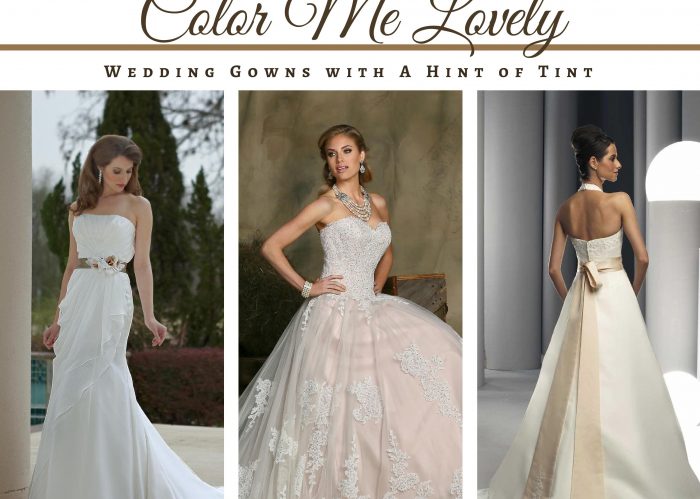
Bridesmaids Design: 7 Elegant Gowns for Your Entourage – DaVinci Bridal Blog
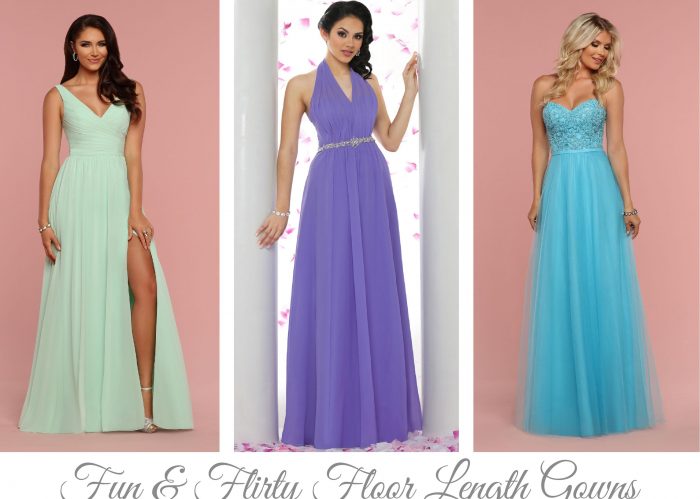
Dresses, Uncategorized, Video, Wedding
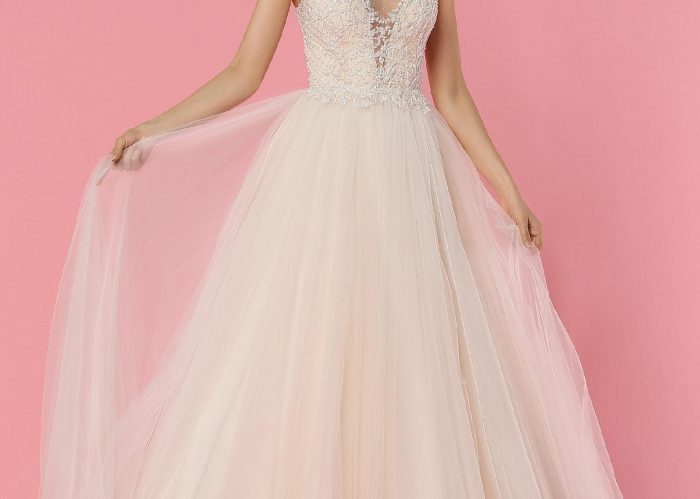
DaVinci Wedding Dresses | Style 50457 | Tulle & Lace – DaVinci Bridal Collection
Dresses, Uncategorized, Wedding
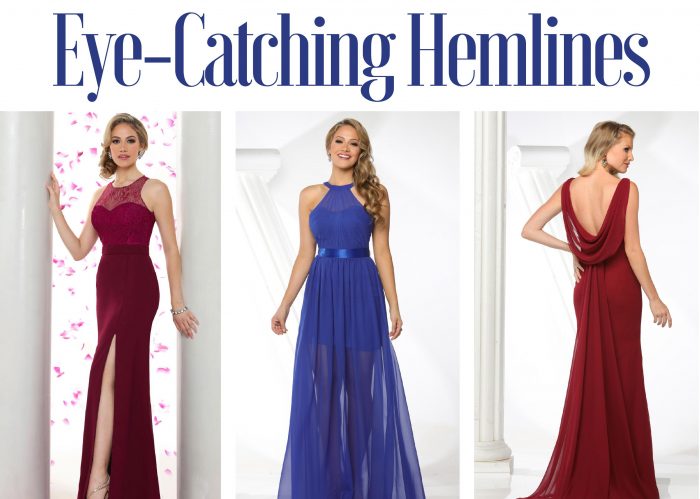
The Long & the Short of It: 6 New Bridesmaids Gowns with Eye-Catching Hemlines – DaVinci Bridal Blog
Dresses, Uncategorized, Wedding
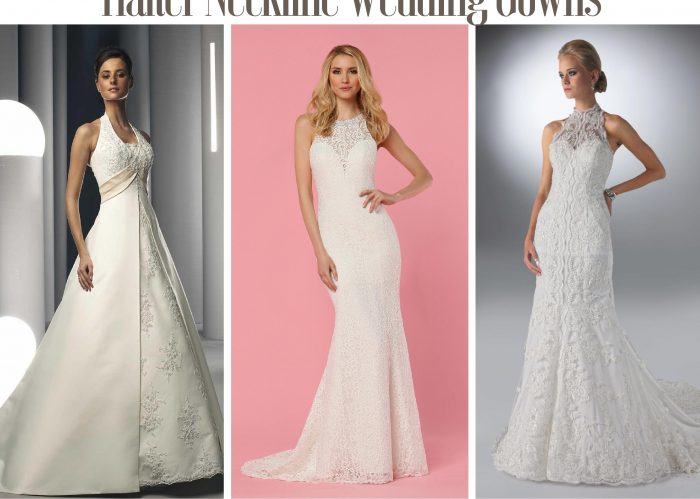
Fashion Focus: Halter Wedding Dress Collection – DaVinci Bridal Flagship Collection
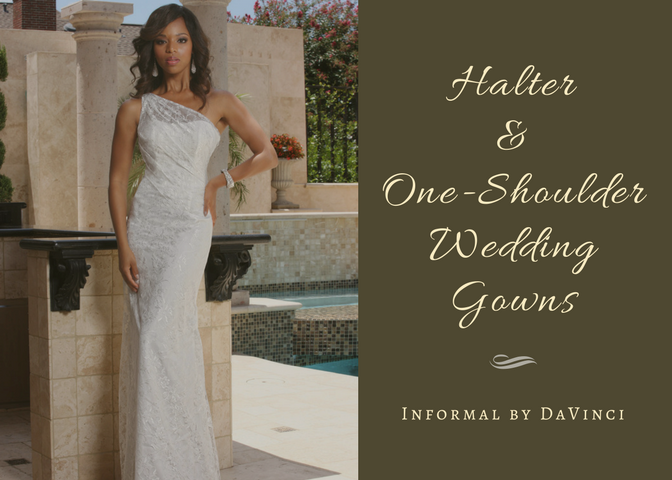
Dresses, Uncategorized, Wedding
Halter & One Shoulder Informal Wedding Gown Collection – DaVinci Bridal Blog

General Planning, Giving Back, Relationships, Uncategorized, Wedding
Will You Help Me Tie the Knot? 14 Ideas for Bridesmaid Proposals – @DaVinciBridal Blog
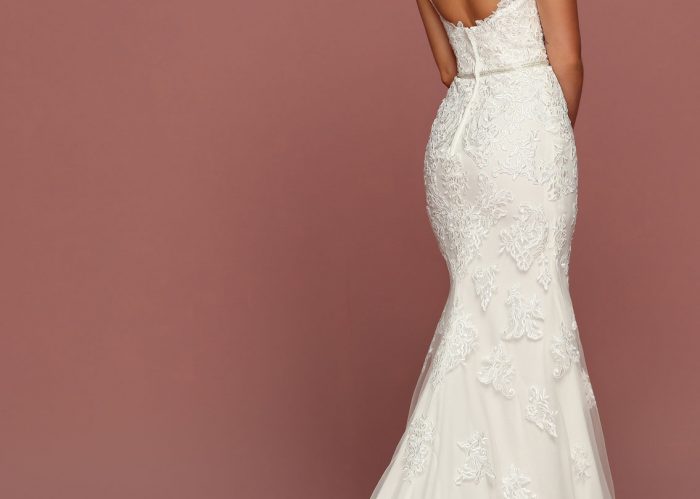

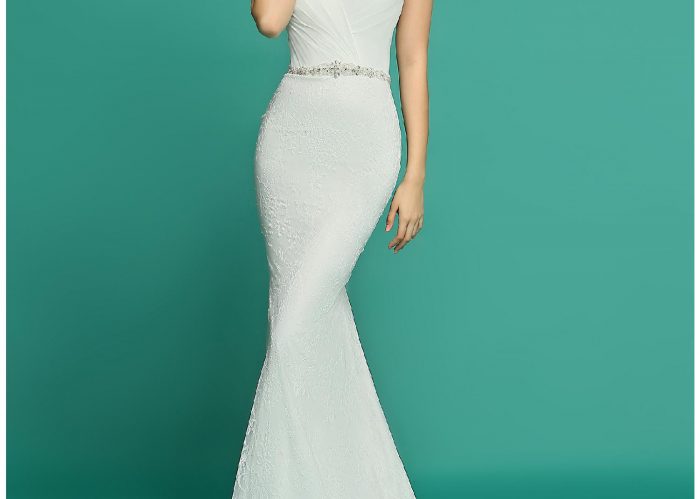
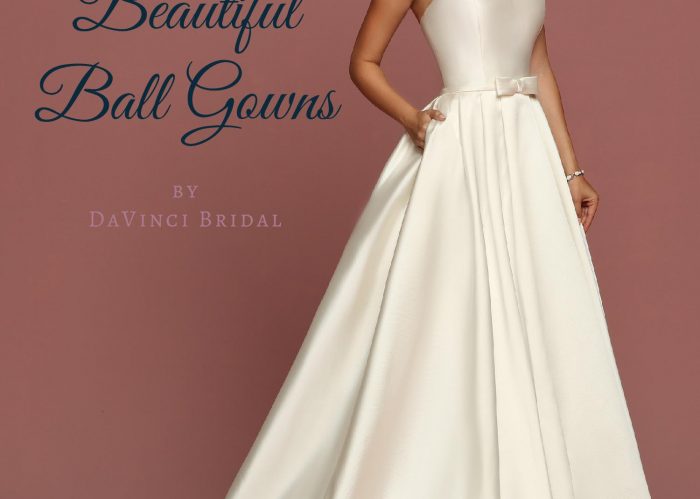
Accessories, Dresses, Nails, Shoes, Skin & Makeup, Theme & Decor, Uncategorized, Wedding
New! 2018 Mermaid Wedding Dress Collection – DaVinci Bridal Blog
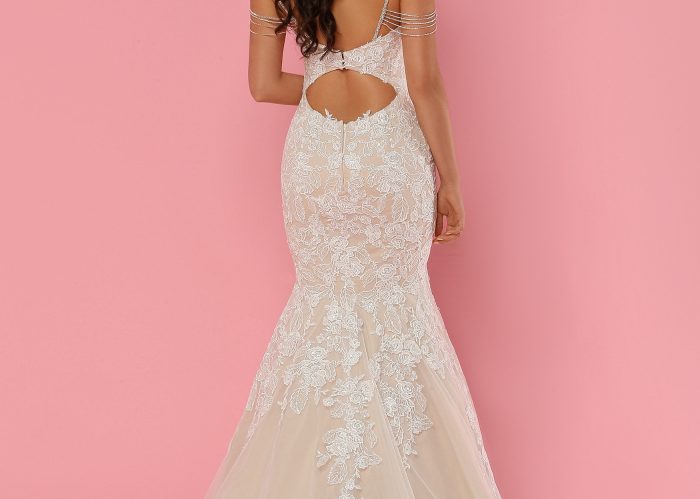
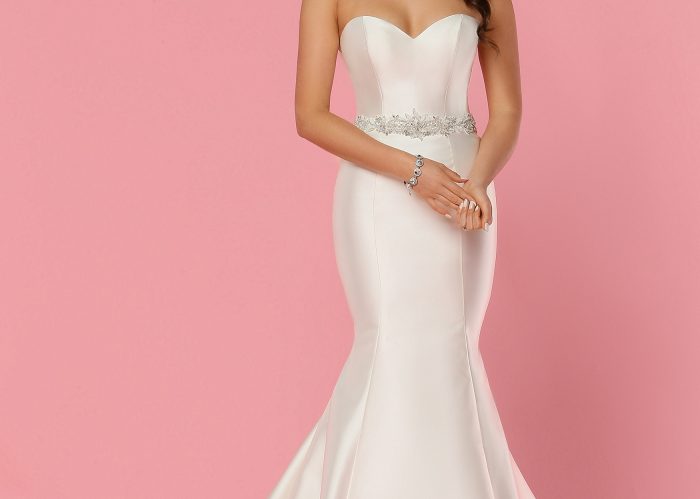
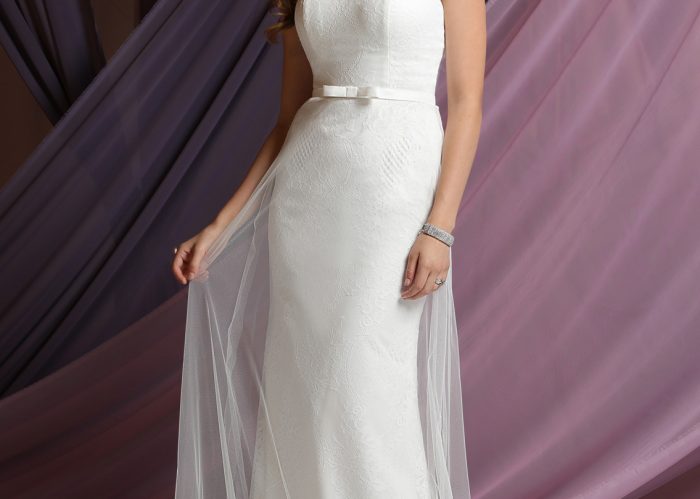
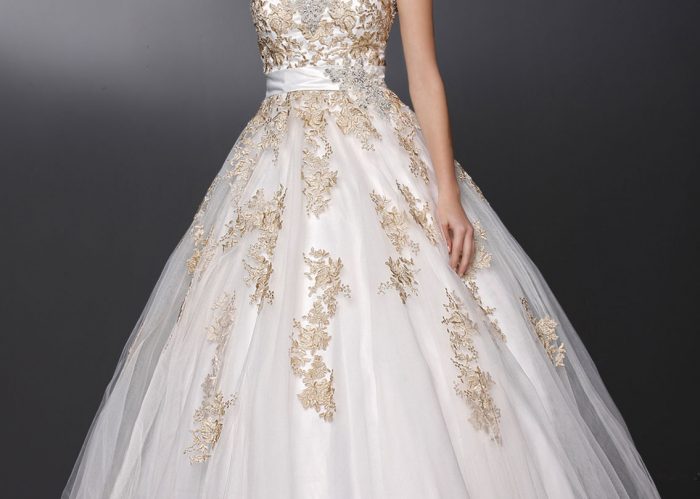
Dresses, Uncategorized, Video, Wedding
DaVinci Wedding Dresses | Style 50470 | Tulle & Lace – DaVinci Bridal Collection
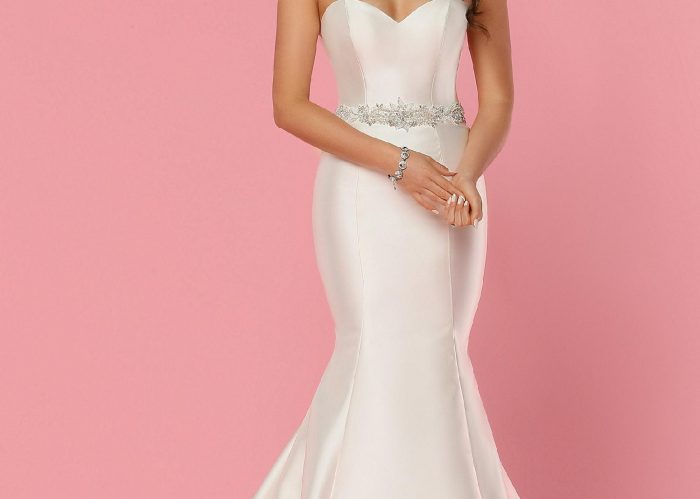
Dresses, Uncategorized, Video, Wedding
DaVinci Wedding Dresses | Style 50446 – DaVinci Bridal Collection
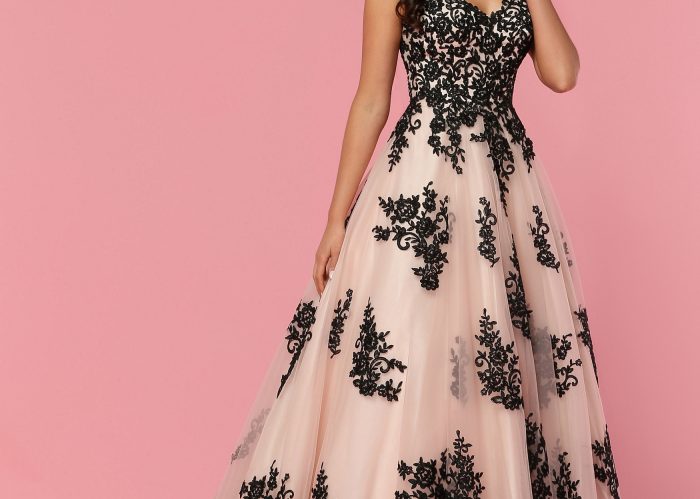
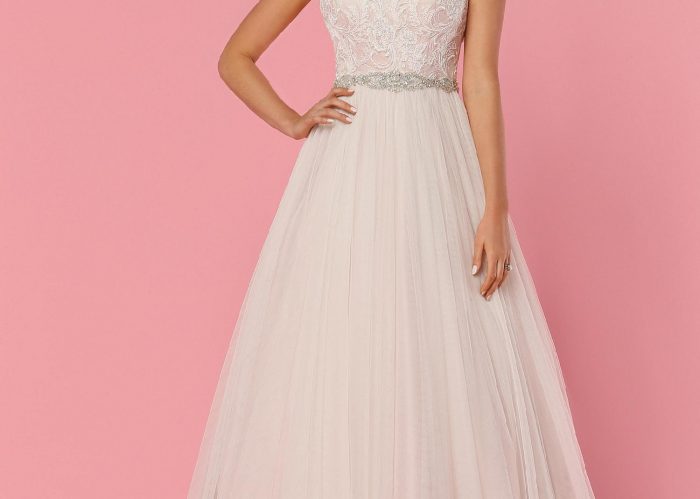
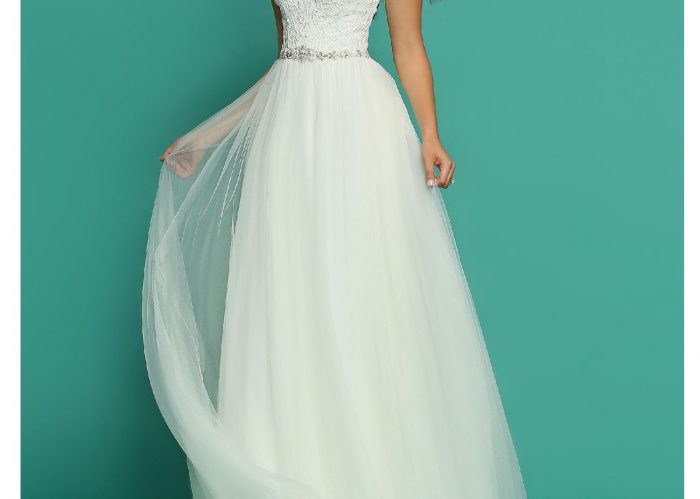
Dresses, Uncategorized, Wedding
Fall 2017 Informal Destination Wedding Dresses: Ball Gowns, Detachable Trains & Jackets – DaVinci Bridal Blog
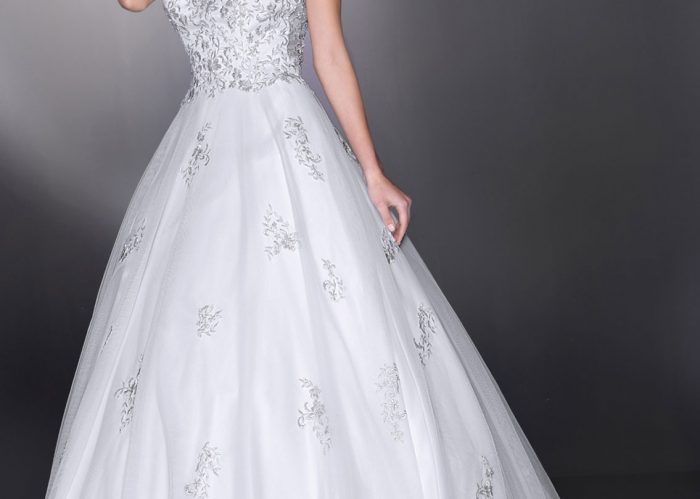
Accessories, Dresses, Gallery, General Planning, Health & Fitness, Wedding
6 Tips for Choosing Your Wedding Dress by Body Type
General Planning, Theme & Decor, Wedding
12 Reasons Not to Hire a Wedding Planner – DaVinci Bridal Blog
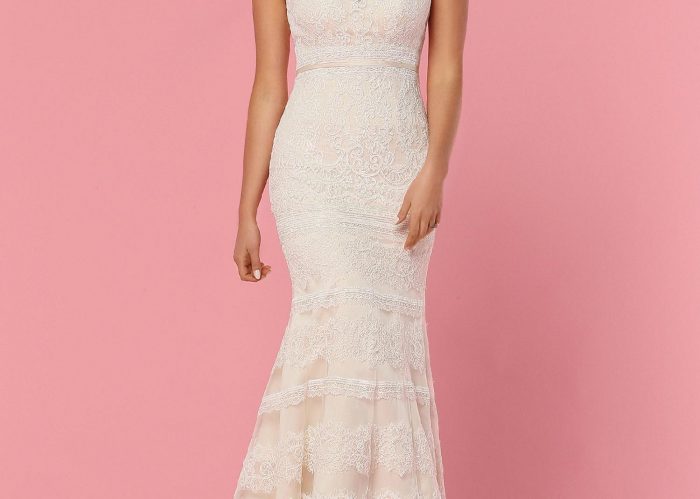
Accessories, Dresses, General Planning, Hair, Shoes, Skin & Makeup, Theme & Decor, Uncategorized, Video, Wedding
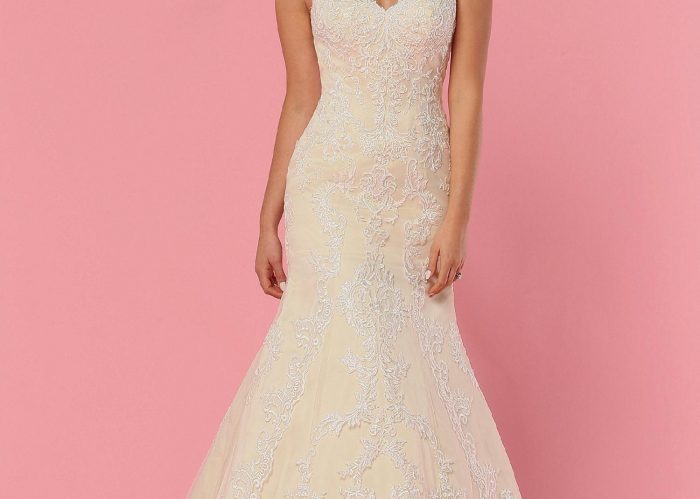
DaVinci Bridal Tulle & Lace Wedding Dress | Style 50452 | DaVinci Bridal Collection
Accessories, General Planning, Theme & Decor, Wedding
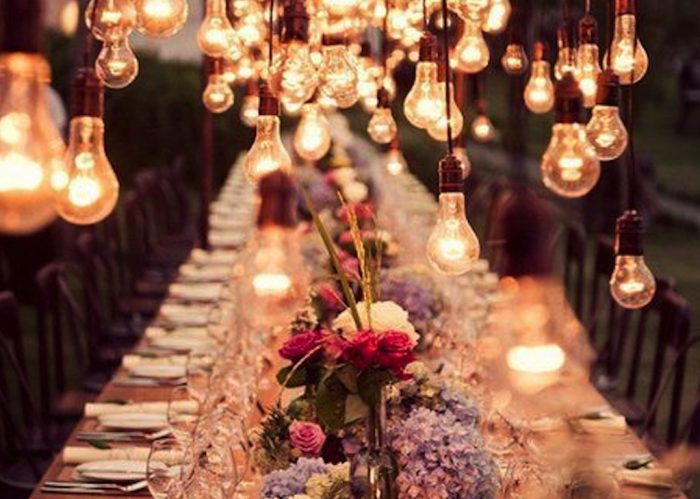
12 Wedding Favors That Really Are Only $1! – DaVinci Bridal Blog
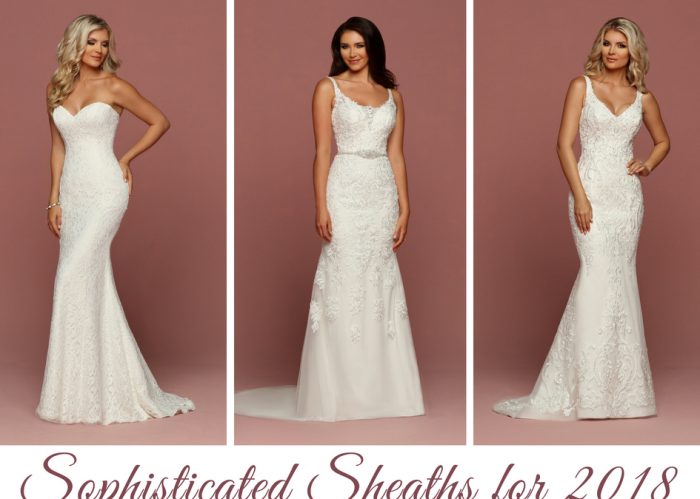
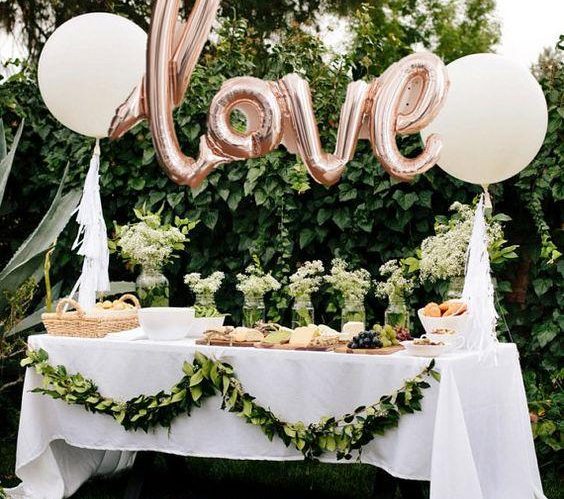
Dresses, General Planning, Theme & Decor, Wedding
17 Wedding Ideas for Your 2017 Wedding – DaVinci Bridal Blog
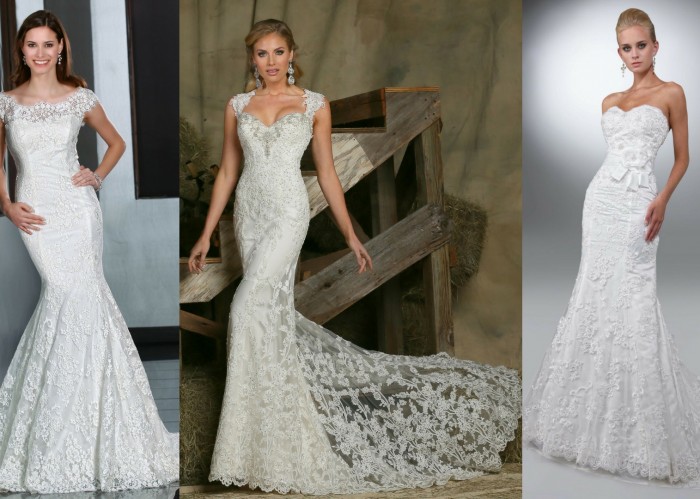
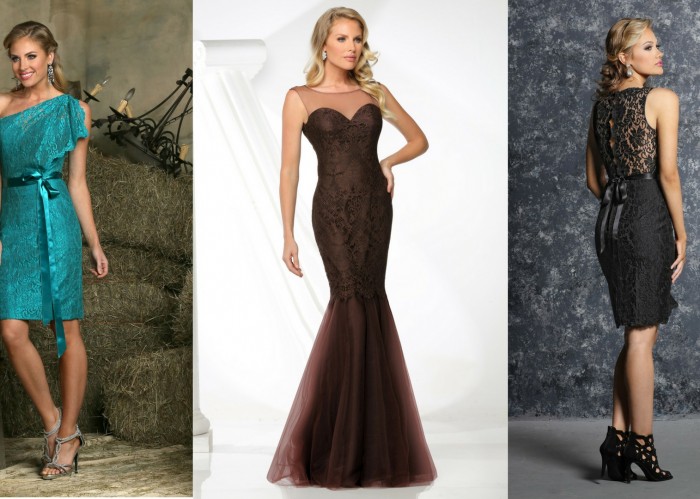


Dresses, Uncategorized, Video, Wedding
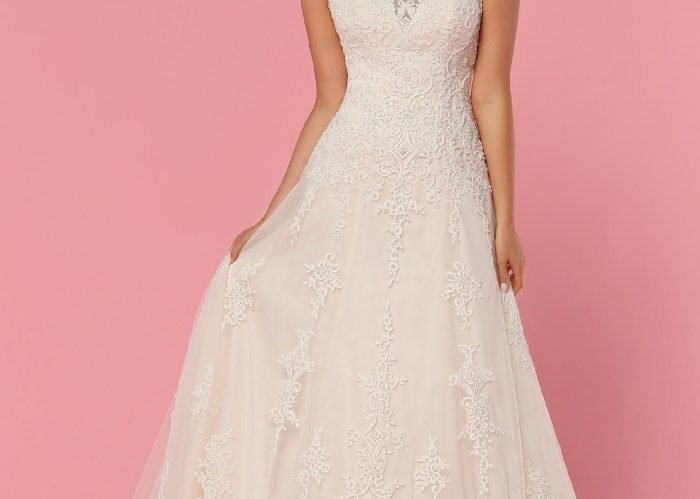
DaVinci Wedding Dresses | Style 50444– DaVinci Bridal Collection
Dresses, Uncategorized, Wedding
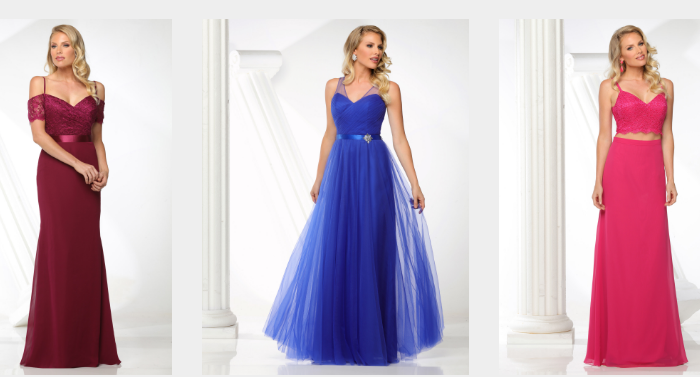
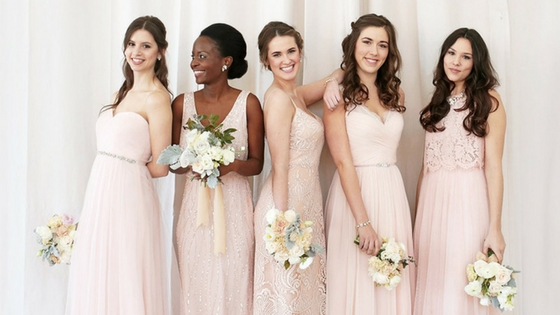
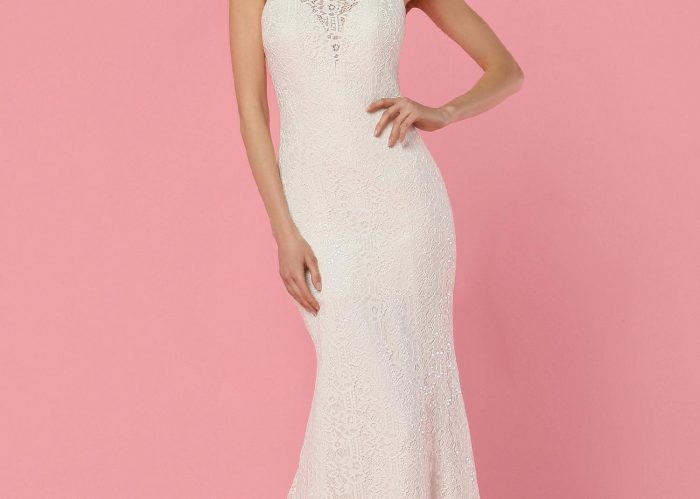
17 for 2017: Unique Wedding Dress Styles for Creative Brides – DaVinci Bridal Blog












Entertainment (celebs, music, movies)















Recent Comments